


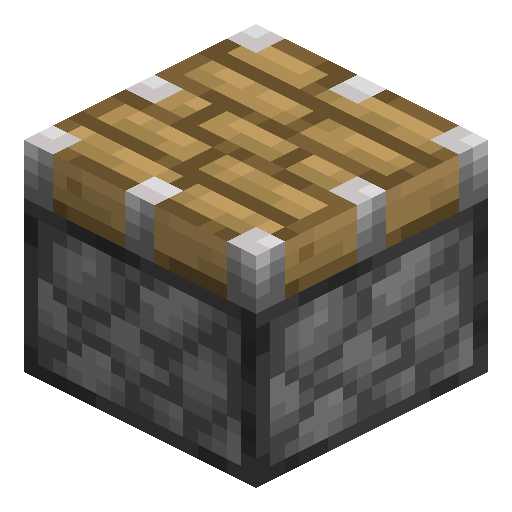
Piston
Piston is the fundamental redstone block that pushes other blocks one space when powered.
Description
Not everything can be moved: obsidian and bedrock resist piston push in both editions, and in Java Edition so does any block with a tile entity — chests, furnaces, barrels — while Bedrock pistons can push those containers. Pistons can be aimed in all six directions, including downwards, and they propagate quasi-connectivity in Java Edition — a quirk that hardcore redstone players exploit for compact circuits. For applications that need the block to come back, the sticky variant is the right tool; the regular version is preferred whenever release timing matters.
Block properties
| Item ID |
minecraft:piston
|
|---|---|
| /give command |
/give @p minecraft:piston
|
| Stackable | Yes (64) |
| Best tool | Pickaxe |
| Renewable | Yes |
| Hardness | 1.5 |
| Blast resistance | 1.5 |
Redstone Guide
How to use a Piston in Minecraft
-
1
Craft the piston
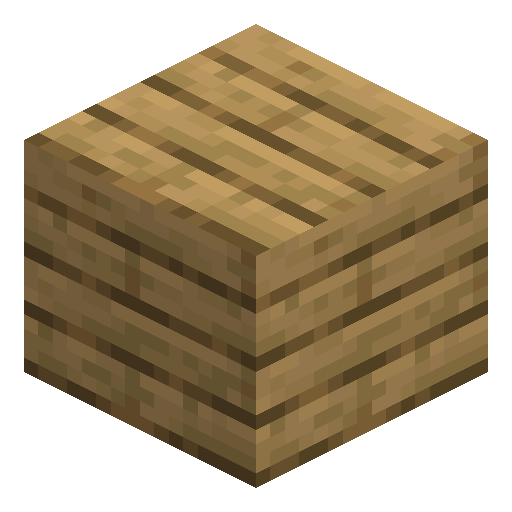
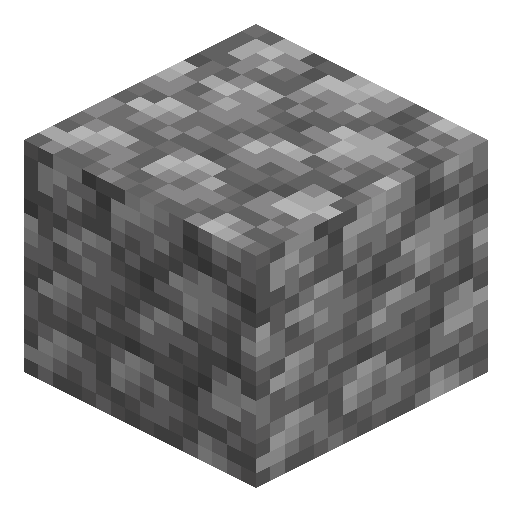
Place three planks across the top row, four cobblestone in the two side slots and the bottom-left and bottom-right slots, one iron ingot in the centre and one redstone dust in the bottom-centre slot to make one piston.
-
2
Place and aim the piston
Put the piston down facing the direction you want the arm to extend; the side you point it toward becomes the pushing face, and a piston can aim up, down, or sideways.
-
3
Power it with redstone
Feed a signal from a lever, button, or redstone dust into the piston or the block behind it; the head extends one block and pushes up to 12 blocks in a line.
-
4
Cut the signal to retract
Remove the power and the head pulls back, but any block the piston pushed stays in its new position; use a Sticky Piston instead when you need the block dragged back.
Pistons push up to 12 blocks in both editions, but Java Edition adds quasi-connectivity: the piston also checks the block space directly above itself for power and can extend without a direct signal — a quirk Bedrock Edition does not share.
How to craft this block


Used in crafts
- Canning Machine
- Compressor
- Stirling Kinetic Generator
- Sticky Piston
- Ejector
- Ejector
- Sticky Piston



Frequently asked questions
How do you craft a piston?
Combine three wooden planks, four cobblestone, one iron ingot, and one redstone dust on a crafting table to make one piston.
How many blocks can a piston push?
A piston pushes up to 12 blocks at once; if the line is longer than 12 or contains an immovable block, the piston will not extend.
What blocks can a piston not push?
Pistons cannot move obsidian, bedrock, or reinforced deepslate in either edition. Blocks with a tile entity such as chests, furnaces, and barrels resist the push only in Java Edition — Bedrock pistons can move them, and a large chest even splits into two.
What is the difference between a piston and a sticky piston?
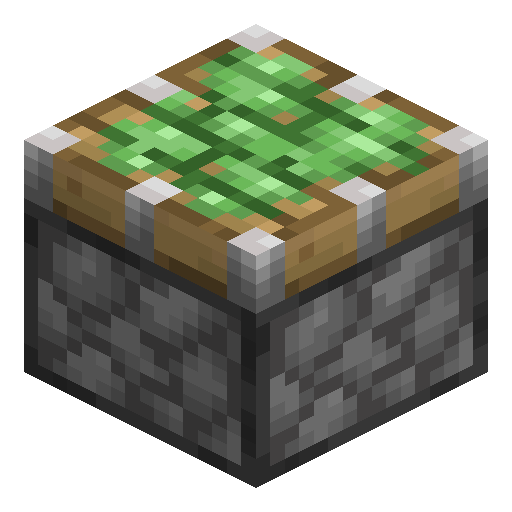
A regular piston pushes a block and leaves it in place when it retracts, while a Sticky Piston pulls the block back with its head.
Can a piston push players and mobs?
Yes, an extending piston shoves players, mobs, and dropped items out of its path, a behaviour used for traps and entity sorters.
Minecraft and all related materials are trademarks and copyrights of Mojang Studios © 2009–2026. This site is not an official Minecraft product and is not affiliated with or endorsed by Mojang Studios or Microsoft Corporation.