


How to Make Ejector Upgrade in Minecraft

Ejector Upgrade
IC2 machine upgrade that automatically moves finished items from a machine into an adjacent inventory for hands-free processing lines.
Description
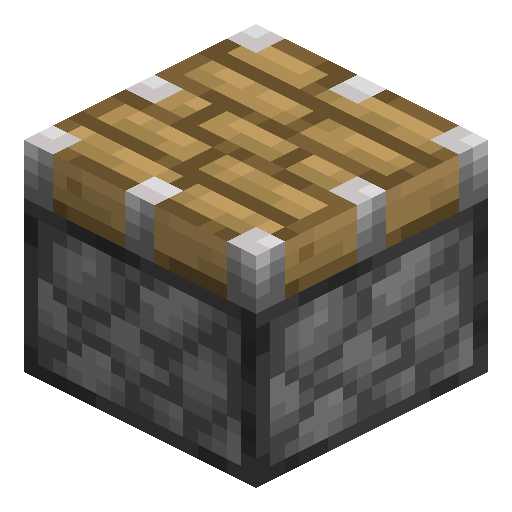
The Ejector Upgrade is crafted on a crafting table from 4 Tin Plates in the corners and 1 Piston in the center. Multiple Ejector Upgrades form a priority list: the first upgrade's rule applies, and the next one is only checked if no valid side is found, so extra upgrades refine output routing rather than speed. Pair the Ejector Upgrade with a Pulling Upgrade on a Macerator or Compressor to close a full automation loop with no external mods in IC2 Experimental for Minecraft 1.7.10 and 1.12.2.
Java Edition Guide
How to use the Ejector Upgrade in Minecraft
-
1
Craft the upgrade
Place 4 Tin Plates in the corners of a crafting table grid and 1 Piston in the center to produce 1 Ejector Upgrade.
-
2
Open the machine GUI
Right-click an IC2 machine such as a Macerator, Compressor, or Extractor and locate the upgrade slots in the machine panel.
-
3
Insert the Ejector Upgrade
Place the Ejector Upgrade in an upgrade slot. The machine starts moving finished items into the adjacent inventory automatically, at a cost of 100 EU per item.
-
4
Set the eject face
Hold an Ejector Upgrade in your hand and sneak-right-click the face of the machine you want the output to exit through.
-
5
Route with multiple upgrades
Install a second Ejector Upgrade to add a fallback side: the first upgrade's rule applies, and the next is checked only when no valid side is found.
A plain right-click just opens the machine GUI — hold the sneak key while right-clicking, otherwise the output face will not change.



Used in crafts





Frequently asked questions
Does the Ejector Upgrade need power?
Yes — every item the Ejector Upgrade moves costs 100 EU, drawn from the host machine's internal energy buffer.
What happens with several Ejector Upgrades in one machine?
They form a priority list: the first upgrade's rule is applied, and the next is checked only if no valid side is found. Stacking does not increase ejection speed.
Which side does the Ejector Upgrade output to by default?
The first valid side, checked in the order East, West, South, North, Top, Down — until you fix a face with a sneak-right-click.
How do I change the eject direction?
Hold an Ejector Upgrade in hand and sneak-right-click the face of the machine you want the output to exit through.