


How to Make Sticky Piston in Minecraft
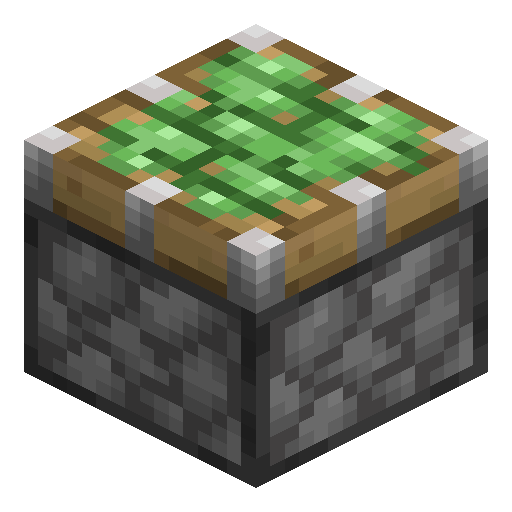
Sticky Piston
Sticky Piston pushes a block forward and pulls it back when the signal cuts — the bidirectional cousin of the regular piston.
Description
This sticky behaviour is what makes hidden doors, drawbridges, mob trap retraction systems, and most flying machines possible. Without this variant, every retracted block would simply be left dangling at the new location. As with the regular version, obsidian and bedrock resist the push in both editions, and in Java Edition so does any block with a tile entity — chests, furnaces, barrels — while Bedrock pistons can move those containers. Anything else can be pushed up to twelve blocks at once. One important caveat: if the head pushes another block in a chain, only the directly-attached one returns; further blocks stay where they were placed. This is why slime blocks and honey blocks (which group together) are such popular companions.
Block properties
| Item ID |
minecraft:sticky_piston
|
|---|---|
| /give command |
/give @p minecraft:sticky_piston
|
| Stackable | Yes (64) |
| Best tool | Pickaxe |
| Renewable | Yes |
| Hardness | 1.5 |
| Blast resistance | 1.5 |
Redstone Guide
How to use a Sticky Piston in Minecraft
-
1
Craft the sticky piston
Combine one piston and one slimeball anywhere in the crafting grid — the recipe is shapeless. This yields one sticky piston.
-
2
Place and aim the head
Stand on the side opposite the block you want to move and place the sticky piston — the head always points toward the player when placed.
-
3
Power it to extend
Apply a redstone signal from a lever, button, or redstone torch so the head extends and pushes the attached block one space forward.
-
4
Cut power to retract
Remove the signal so the sticky head pulls the block back to its starting position, unlike a regular piston that leaves it behind.
A sticky piston can push up to twelve blocks in a line but pulls back only the single block touching its head. Obsidian and bedrock resist it in both editions; tile-entity blocks such as chests and furnaces resist it in Java Edition, while Bedrock pistons can move those containers.
How to craft this block
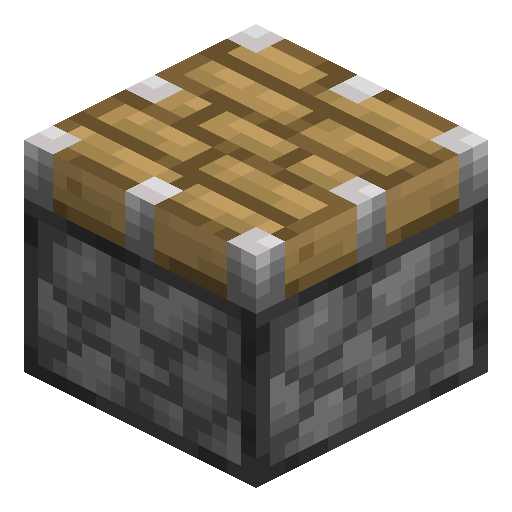


Used in crafts
- Pulling
- Pulling




Frequently asked questions
How do you craft a sticky piston?
Combine one piston with one slimeball in the crafting grid — the recipe is shapeless, so the two items can sit anywhere. This makes one sticky piston.
What is the difference between a piston and a sticky piston?
A regular piston only pushes blocks and leaves them in place, while a sticky piston also pulls the attached block back when the redstone signal turns off.
How many blocks can a sticky piston move?
A sticky piston can push up to 12 blocks at once, but it retracts only the single block directly touching its head.
Can a sticky piston move obsidian or chests?
Obsidian and bedrock are immovable in both editions. Tile-entity blocks such as chests, furnaces and droppers resist pistons in Java Edition, but Bedrock pistons can move them — a large chest splits into two.
Do sticky pistons work in both Java and Bedrock Edition?
Yes, sticky pistons exist in both editions, though some redstone quirks like quasi-connectivity behave differently between Java and Bedrock.