


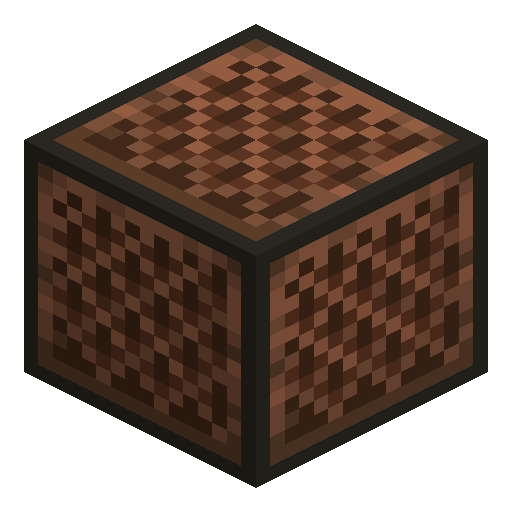
Note Block
Note Block plays a single tuned note when activated — pitch tunes by right-click, instrument changes based on the block underneath.
Description
The instrument timbre depends on the block placed directly underneath: wood plays bass, sand plays snare, glass plays sticks, gold plays bells, stone plays a bass drum, and dozens of other materials produce specific sounds. By chaining note blocks driven by a redstone clock and varying the substrate, players compose entire songs that play automatically. The block must have empty space above it to make sound — a cover blocks the audio. Adventure-map authors and music-redstone enthusiasts have produced complex orchestral pieces using arrays of hundreds of these blocks tuned and timed precisely.
Block properties
| Item ID |
minecraft:note_block
|
|---|---|
| /give command |
/give @p minecraft:note_block
|
| Stackable | Yes (64) |
| Best tool | Axe |
| Renewable | Yes |
| Hardness | 0.8 |
| Blast resistance | 0.8 |
Java & Bedrock Guide
How to set up and play a Note Block in Minecraft
-
1
Craft and place the note block
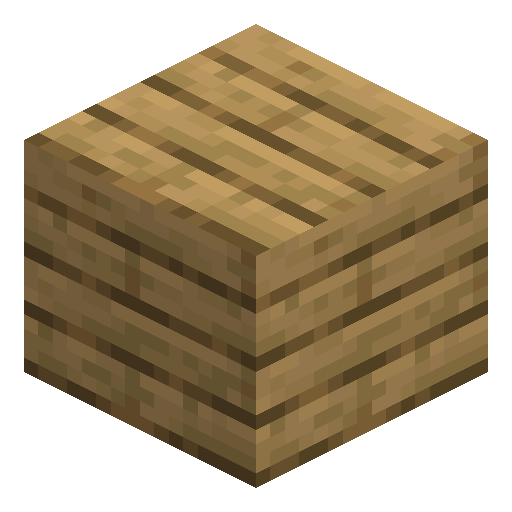
Arrange eight wood planks around one redstone dust on the crafting grid to make a note block, then place it with at least one empty block above so the sound is not muffled.
-
2
Choose the instrument
Place a block directly under the note block to set its instrument: wood plays bass, sand plays a snare, gold plays bells, stone plays a bass drum, and glass plays sticks.
-
3
Tune the pitch
Right-click the note block to raise its pitch one semitone at a time, cycling through all 25 pitches across two octaves until you reach the note you want.
-
4
Trigger it with redstone
Feed a redstone signal into the note block from a button, lever, or repeater clock to play the tuned note automatically without right-clicking it.
-
5
Chain blocks into a song
Line up several note blocks along a redstone line with repeaters set to different delays so each note fires in sequence and forms a melody.
A note block only makes sound when the space directly above it is empty; placing any block on top silences it. Both Java and Bedrock Edition support the same right-click tuning and redstone activation.
How to craft this block


Related blocks




Frequently asked questions
How do you craft a Note Block?
Place eight wood planks around the edges of the crafting grid with one redstone dust in the centre to craft a single note block.
How many notes can a Note Block play?
A note block plays 25 pitches across two octaves, from F#3 to F#5, advancing one semitone per right-click.
How do you change a Note Block's instrument?
Place a different block directly underneath: wood gives bass, sand a snare, gold bells, stone a bass drum, and glass sticks, among dozens of others.
Why is my Note Block not making any sound?
A note block needs an empty block of air directly above it. Any block placed on top muffles and silences the note.
Can a Note Block be powered by redstone?
Yes. A redstone signal from a button, lever, pressure plate, or repeater clock makes the note block play its tuned note automatically.
Minecraft and all related materials are trademarks and copyrights of Mojang Studios © 2009–2026. This site is not an official Minecraft product and is not affiliated with or endorsed by Mojang Studios or Microsoft Corporation.