


How to Make Macerator in Minecraft
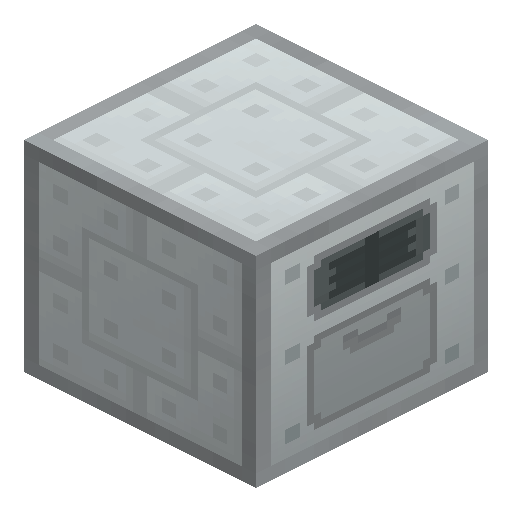
Macerator
Macerator opens the Industrial Craft 2 ore processing chain, turning one ore into two crushed ore units (the ground form that smelts into ingots) for a doubled yield.
Description
Besides ore doubling, the Macerator grinds other materials into more useful forms: metal ingots return to dust for re-smelting, metal plates yield eight tiny dust piles, cobblestone becomes sand, stone becomes cobblestone, a blaze rod gives five blaze powder, a bone gives four bone meal, and a block of coal grinds into nine coal dust. A Steel Ingot is the exception: steel grinds into Iron Dust, because steel dust does not exist in Industrial Craft 2. When no cable is nearby, redstone dropped into the energy item slot feeds the Macerator 800 EU per piece. Crushed ore from the Macerator feeds the later stages of the ore processing chain, including the Ore Washing Plant and the Thermal Centrifuge. Remove the Macerator with a wrench rather than a pickaxe, and expect a puff of dust while grinding continues.
Block properties
| Item ID |
ic2:macerator
|
|---|---|
| /give command |
/give @p ic2:macerator
|
| Stackable | Yes (64) |
Guide
How to use the Macerator in Industrial Craft 2
-
1
Craft the Macerator
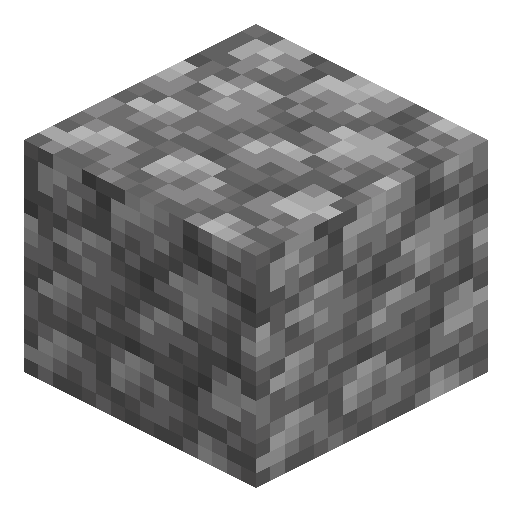
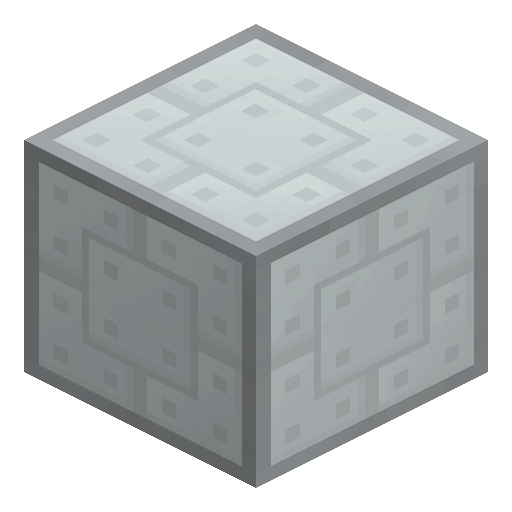
Combine flint, cobblestone, a machine casing and an electronic circuit on the crafting grid to produce one Macerator.
-
2
Wire up low voltage
Connect the Macerator to a power source of at most 32 EU per tick; the Macerator draws 2 EU per tick and buffers 1200 EU internally.
-
3
Load an ore
Open the Macerator GUI and place any metal ore in the input slot; one grinding operation takes 15 seconds and 600 EU.
-
4
Collect and smelt
Take two units of crushed ore from the output slot and smelt the crushed ore in a furnace — two ingots where direct smelting of raw ore gives one.
-
5
Install upgrades
Fill the four upgrade slots with Overclocker, Transformer, Energy Storage, Ejector or Pulling upgrades — the same set other basic Industrial Craft 2 machines accept.
Without a cable network, drop Redstone into the energy item slot of the Macerator: each piece burns for 800 EU and keeps the ore grinding.
How to craft this block







Frequently asked questions
How much ore does a Macerator produce per ore block?
One ore block ground in the Macerator becomes two units of crushed ore, and those two units smelt into two ingots — double the yield of smelting raw ore directly.
How much energy does the Macerator use?
The Macerator consumes 2 EU per tick, accepts at most 32 EU per tick of low-voltage current, buffers 1200 EU, and completes one grinding operation in 15 seconds for 600 EU.
What can the Macerator grind besides ore?
Metal ingots return to dust, metal plates give eight tiny dust piles, cobblestone becomes sand, a blaze rod gives five blaze powder, a bone gives four bone meal, and a block of coal gives nine coal dust.
Can the Macerator run without cables?
Yes: Redstone dropped into the Macerator's energy item slot burns for 800 EU per piece — a stopgap until a generator and cable are in place.
What happens to steel in the Macerator?
A Steel Ingot grinds into Iron Dust because steel dust does not exist in Industrial Craft 2, and a Steel Plate refuses to grind at all.