


How to Make Jungle Shelf in Minecraft
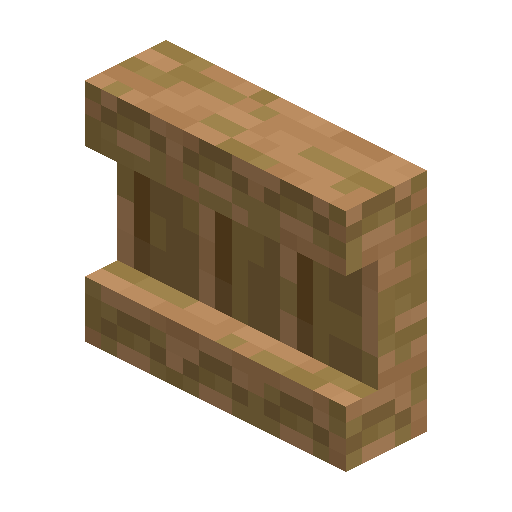
Jungle Shelf
Jungle Shelf is a jungle-wood storage block that displays three item stacks and powers redstone hotbar-swap loadouts.
Description
Block properties
| Item ID |
minecraft:jungle_shelf
|
|---|---|
| /give command |
/give @p minecraft:jungle_shelf
|
| Stackable | Yes (64) |
| Best tool | Axe |
| Renewable | Yes |
| Hardness | 2 |
| Blast resistance | 3 |
| Java Edition | 1.21.9 |
| Bedrock Edition | 1.21.111 |
Java & Bedrock Guide
How to craft and use a Jungle Shelf in Minecraft
-
1
Strip the jungle logs
Right-click jungle logs with any axe to make stripped jungle logs, the only ingredient the recipe accepts.
-
2
Craft the shelf
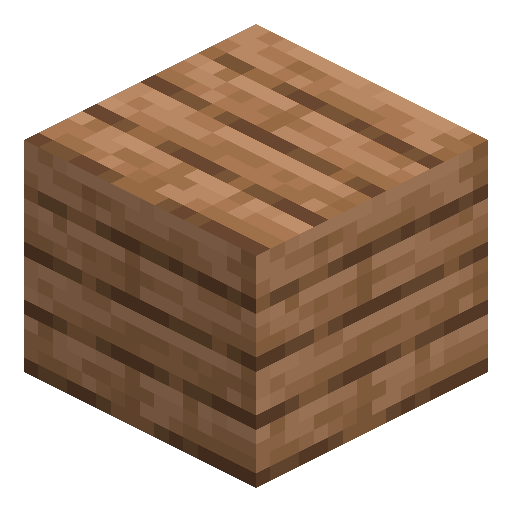
Place six stripped jungle logs along the top and bottom rows of a crafting table to produce six Jungle Shelves.
-
3
Store and display items
Right-click a slot with an item to place it; each of the three slots shows its stack on the block's front face.
-
4
Wire it to redstone
Power the shelf to swap its slots with your hotbar; connect two or three shelves to swap six or all nine slots.
Shelves were added in Java Edition 1.21.9 and Bedrock Edition 1.21.111; older worlds must update to use them.
How to craft this block
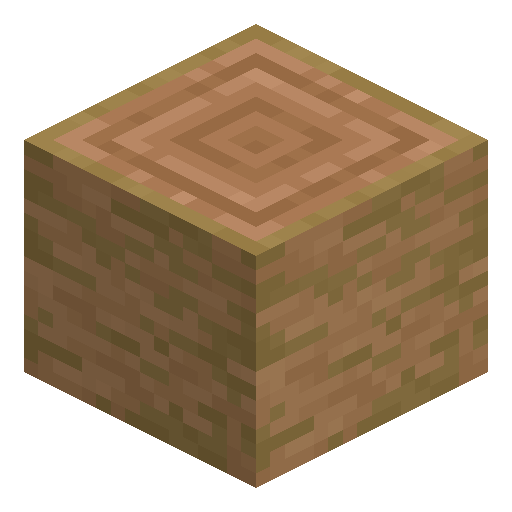 Stripped Jungle Log
x6
Stripped Jungle Log
x6




Frequently asked questions
How do you craft a Jungle Shelf?
Place six stripped jungle logs across the top and bottom rows of a crafting grid; the recipe yields six shelves at once.
How many items can a Jungle Shelf hold?
A Jungle Shelf has three slots and stores up to three item stacks, each displayed on the front face.
What does a powered Jungle Shelf do?
When powered by redstone it swaps its three slots with the rightmost hotbar slots; two or three connected shelves swap six or nine.
Can a Jungle Shelf be waterlogged?
Yes. A Jungle Shelf is waterloggable, so it keeps water in its block space for underwater builds.
What breaks a Jungle Shelf fastest?
An axe breaks it fastest and always drops the block; note that it is flammable like other overworld wood.