


How to Make Industrial Workbench in Minecraft
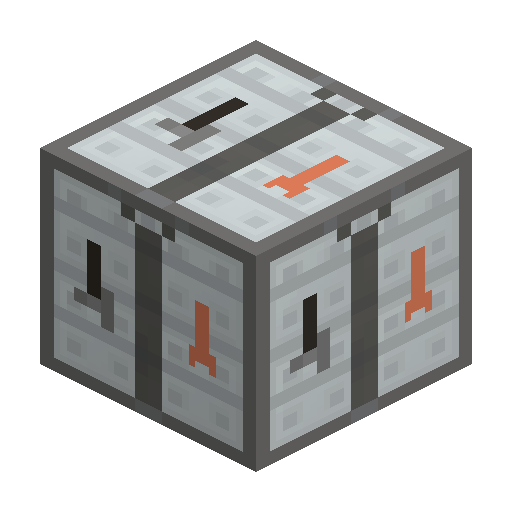
Industrial Workbench
Industrial Workbench is an upgraded IndustrialCraft 2 crafting table that keeps items in the grid when closed and links to adjacent IC2 machines and storage.
Description
Industrial Workbench needs no EU and never connects to cables, but it links to adjacent IC2 blocks such as machines, EU storage units, and Personal Safes, surfacing their inventories inside the workbench GUI for remote access. Multiple Industrial Workbenches can be daisy-chained to reach a machine at the end of a line from a single interface. The block stacks to 64, must be picked up with a Wrench to avoid breaking back into a Basic Machine Casing, and is itself a required ingredient for crafting the Batch Crafter.
Block properties
| Item ID |
ic2:industrial-workbench
|
|---|---|
| /give command |
/give @p ic2:industrial-workbench
|
| Stackable | Yes (64) |
Java Edition Guide
How to use an Industrial Workbench in IndustrialCraft 2
-
1
Craft the workbench
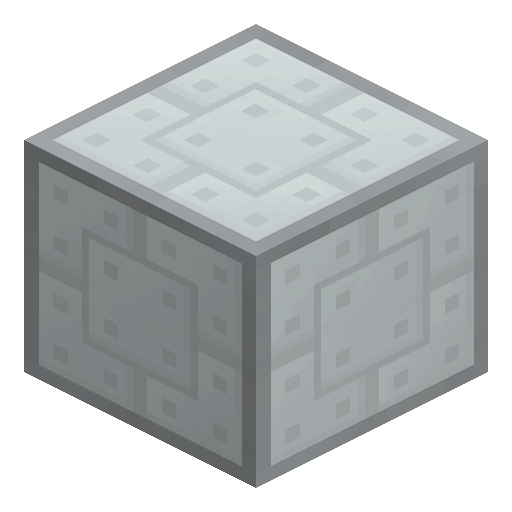
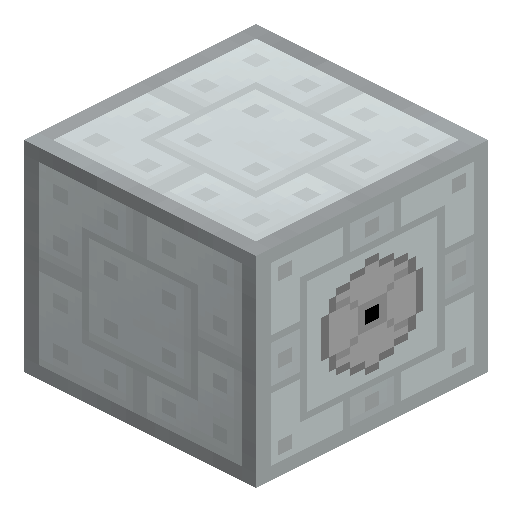
Combine a Forge Hammer, a Crafting Table and a Basic Machine Casing in the top row, then place a Wrench, a Cutter, or a second Forge Hammer in the center of the grid to produce one Industrial Workbench.
-
2
Place it next to IC2 machines
Set the Industrial Workbench directly adjacent to an IC2 machine, an EU storage unit, or a Personal Safe so its inventory appears inside the workbench GUI for remote access.
-
3
Load the grid and close freely
Drop ingredients into the 3x3 grid; they stay there after the GUI closes, so a recipe in progress survives logout, chunk unload, or stepping away.
-
4
Use shift-click for bulk crafting
Shift-click new stacks of the same ingredient and Industrial Workbench auto-balances them across all open slots, speeding up repeated recipes such as Machine Casings or Electronic Circuits.
-
5
Pick it up with a Wrench
Break Industrial Workbench with a Wrench to keep the block intact; mining it by hand breaks it back down into a Basic Machine Casing.
Industrial Workbench never connects to EU cables and consumes no energy — it works as soon as it is placed.
How to craft this block







Frequently asked questions
What does the Industrial Workbench do in IndustrialCraft 2?
Industrial Workbench is an upgraded crafting table that keeps items in the 3x3 grid after the GUI is closed, auto-balances shift-clicked stacks, and links to adjacent IC2 machines, EU storage, and Personal Safes for remote access.
Does the Industrial Workbench need electricity?
No. Industrial Workbench consumes no EU and never connects to cables; it works as soon as it is placed.
How do you craft the Industrial Workbench?
Place a Forge Hammer, a Crafting Table and a Basic Machine Casing across the top row, then put a Wrench, a Cutter, or a second Forge Hammer in the center of the grid.
How do you pick up an Industrial Workbench without breaking it?
Mine Industrial Workbench with a Wrench to keep the block. Breaking it by hand converts it back into a Basic Machine Casing.
What is the Industrial Workbench used to craft?
Industrial Workbench is a required ingredient in the recipe for the Batch Crafter, IC2's automated crafting machine.
How many items does the Industrial Workbench stack to?
Industrial Workbench stacks to 64, the same maximum as most blocks in Minecraft.