


How to Make Block of Copper in Minecraft

Block of Copper
Block of Copper stores nine ingots and ages through four oxidation colors that honeycomb can permanently lock.
Description
Block of Copper gives builders a controlled aging system for roofs, domes, statues, machinery, and coastal architecture. An axe removes wax first and then scrapes one oxidation stage per use; lightning can remove several oxidation stages from unwaxed copper near the strike. Leaving spaces between copper blocks helps a large surface oxidize more evenly because nearby less-oxidized copper can slow progression. Combining fresh, exposed, weathered, and oxidized copper creates deliberate gradients without dyes.
Block properties
| Item ID |
minecraft:copper_block
|
|---|---|
| /give command |
/give @p minecraft:copper_block
|
| Stackable | Yes (64) |
| Best tool | Pickaxe |
| Renewable | Yes |
| Hardness | 3 |
| Blast resistance | 6 |
| Java Edition | 1.17 |
| Bedrock Edition | 1.17.0 |
Oxidation guide
How to control Block of Copper oxidation in Minecraft
-
1
Craft the copper blocks
Fill a 3×3 crafting grid with 9 copper ingots to make one Block of Copper.
-
2
Choose the oxidation stage
Place the blocks and wait for fresh copper to become exposed, weathered, and finally oxidized.
-
3
Lock the chosen color
Use a honeycomb on the Block of Copper to create a waxed variant that no longer oxidizes.
-
4
Reverse unwanted aging
Use an axe to remove wax first, then use the axe again to scrape oxidation back one stage.
Less-oxidized copper nearby can slow progression, so leave space between blocks when preparing a large batch for even oxidation.
How to craft this block
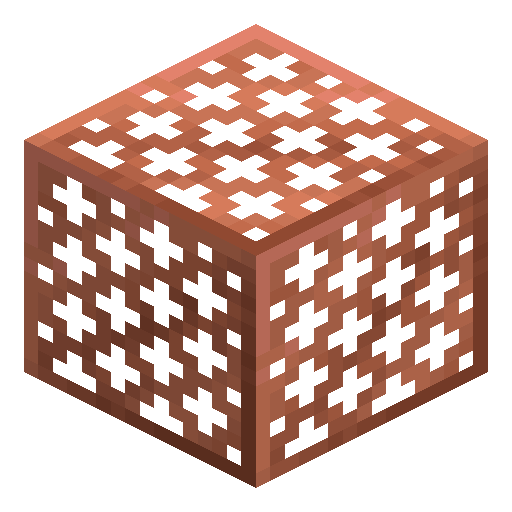
 Copper Ingot
x9
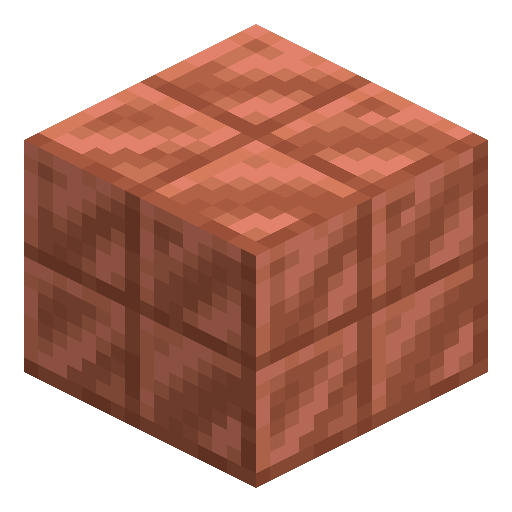
Copper Ingot
x9





Frequently asked questions
How do you craft a Block of Copper?
Fill all 9 slots of a 3×3 crafting grid with copper ingots to produce one Block of Copper.
How many oxidation stages does copper have?
Copper has 4 visual stages: fresh, exposed, weathered, and oxidized.
How do you stop a copper block from oxidizing?
Use a honeycomb on the desired stage to create a waxed copper block that keeps its color.
Can copper oxidation be reversed?
Yes. An axe removes one oxidation stage per use after any wax coating has been removed.