


How to Make Miner in Minecraft
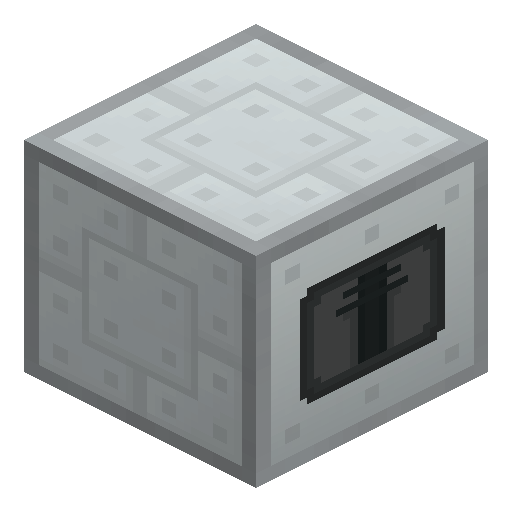
Miner
Miner is the automated drilling machine of Industrial Craft 2: given low-voltage power, Mining Pipe and a Drill, ore flows up from deep underground while the player stays on the surface.
Description
Ore and cobblestone rise into the 15-slot output buffer of Miner, and an Ejector Upgrade pushes the haul into an adjacent Chest for unattended overnight runs. Water and lava stop Miner until a Pump placed right next to the machine drains the liquid — the Pump keeps lava in its tank and discards water, though the Pump alone cannot cross an ocean, because source blocks regenerate faster than the Pump drains them. A Diamond Drill with an Advanced Scanner draws about 20–24 EU/t, against 2–3 EU/t for a basic Drill with a Scanner. Once the shaft is exhausted, Miner pulls the whole Mining Pipe column back when the Drill is removed, and a stack of cobblestone dropped into the pipe slot backfills the hole so no mob spawns in the drop shaft. Miner has done hands-off ore collection since the earliest IndustrialCraft builds, and the design still holds up in Industrial Craft 2 today.
Block properties
| Item ID |
ic2:miner
|
|---|---|
| /give command |
/give @p ic2:miner
|
| Stackable | Yes (64) |
Guide
How to run a Miner in Industrial Craft 2
-
1
Craft and place the Miner
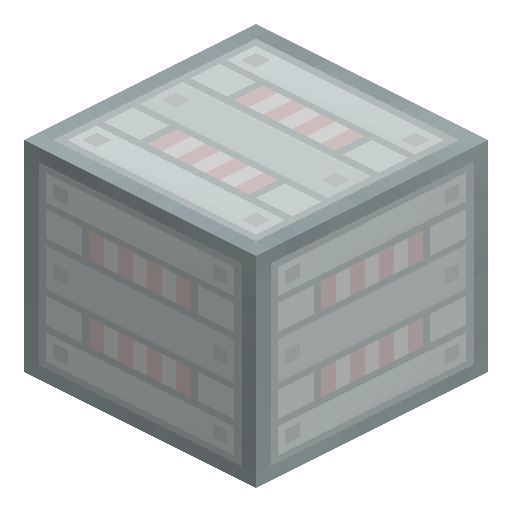
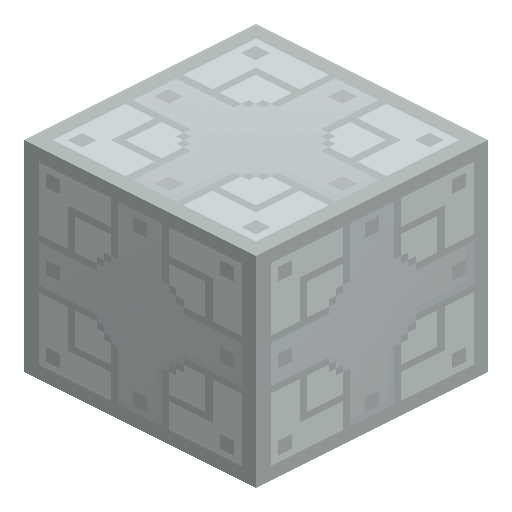
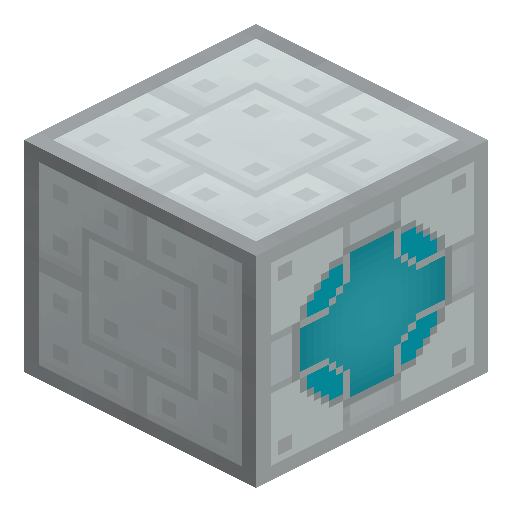
Assemble Miner from a Machine Block, a Chest, two Electronic Circuits and a Mining Pipe: in the classic grid the Machine Block sits in the centre, the Chest on top and the Mining Pipe at the bottom. Place Miner on solid ground above the ore layer.
-
2
Load Drill, Pipe and Scanner
Open Miner like a chest and insert a Drill or a Diamond Drill into the tool slot, a stock of Mining Pipe into the pipe column and, optionally, a Scanner or an Advanced Scanner into the scanner slot.
-
3
Connect low-voltage power
Run a cable or a charged battery into Miner: Miner accepts at most 32 EU/t, so a basic low-voltage source already drives the drill at full speed.
-
4
Let the Miner dig
Miner consumes Mining Pipe to push the shaft down, mines every ore block inside the scan range and lifts the haul into the 15-slot output buffer; without a scanner the range is the 1×1 shaft itself.
-
5
Retract and backfill
Pull the Drill out when the shaft is done: Miner returns every Mining Pipe to the pipe slot, and a stack of cobblestone placed in that slot fills the shaft in place of the pipes, so no mob can spawn in the hole.
Water or lava halts the drill head until a Pump placed directly against Miner drains the liquid: the Pump stores lava in the internal tank and discards water. An Ejector Upgrade added to Miner pushes ore and cobblestone into an adjacent Chest automatically.
How to craft this block





Related blocks
Frequently asked questions
How much power does the Miner need?
Miner runs on low voltage and accepts at most 32 EU/t. A basic Drill with a Scanner draws around 2–3 EU/t, a Diamond Drill with an Advanced Scanner up to 20–24 EU/t, and every broken block costs roughly 1250–1350 EU out of the 1000 EU internal buffer.
What does a Scanner change in the Miner?
A Scanner widens the dig from a 1×1 shaft to every ore block in a 7×7 column, and an Advanced Scanner covers 13×13. Both settings leave plain stone underground and lift only ore, which saves Mining Pipe and energy on the way down.
Why does the Miner stop at water or lava?
Liquids block the drill head. A Pump placed directly next to Miner clears the obstacle — storing lava in the tank and discarding water — but even the Pump cannot chew through a lake or ocean, because liquid source blocks regenerate faster than the Pump drains them.
Do the Mining Pipes come back after digging?
Yes. Mining Pipe is consumed only while the shaft grows: pulling the Drill out of Miner retracts the whole pipe column back into Miner, ready for the next hole.
Can the Miner dig through torches or redstone wiring?
No. Miner stops at loose items lying in the path, such as torches and redstone wiring, so clear the shaft line or move Miner before starting a dig.