


Redstone Comparator
Redstone Comparator measures signal strength and inventory contents — the analog brain of any complex redstone build.
Description
The device has two modes, toggled by right-click. In compare mode (front torch off), it passes the rear-input signal through only if no side input is stronger; otherwise it outputs zero. In subtract mode (front torch on), it outputs the rear input minus the strongest side input. Most importantly, the device reads from container blocks placed behind it: a chest, hopper, or brewing stand emits an analog signal proportional to fill level, and a jukebox outputs a strength fixed per music disc, enabling automated farms, item-counter displays, and disc players that trigger actions when a specific song plays.
Block properties
| Item ID |
minecraft:comparator
|
|---|---|
| /give command |
/give @p minecraft:comparator
|
| Stackable | Yes (64) |
| Renewable | Yes |
| Java Edition | 1.5 |
Java & Bedrock Guide
How to use a Redstone Comparator in Minecraft
-
1
Craft the comparator
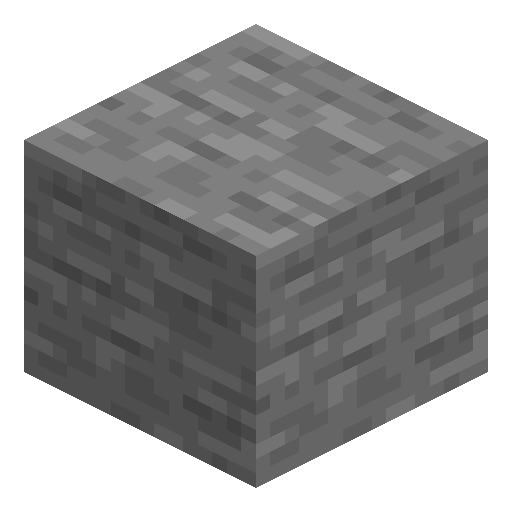
Place 3 redstone torches and 1 nether quartz in a T shape on top of a row of 3 stone blocks in the crafting grid to make one comparator.
-
2
Place and orient it
Set the comparator down so the small arrow on top points away from your circuit; that arrow marks the output side, while the two flat sides accept optional side inputs.
-
3
Read a container
Put the comparator directly behind a chest, barrel, furnace, or hopper so it outputs a signal from 1 to 15 scaled to how full the container is.
-
4
Toggle subtract mode
Right-click the comparator to light the front torch and switch to subtract mode, where the output equals the rear input minus the strongest side input.
With the front torch off (compare mode) the comparator passes the rear signal only when no side input is stronger. With the front torch on (subtract mode) it subtracts the strongest side signal from the rear signal.
How to craft this block








Frequently asked questions
How do you craft a comparator in Minecraft?
Place 3 redstone torches and 1 nether quartz in a T shape on top of 3 stone blocks in the crafting grid. This makes one redstone comparator.
What is the difference between compare and subtract mode?
In compare mode the comparator outputs the rear signal unless a side input is stronger. In subtract mode it outputs the rear signal minus the strongest side input. Right-click to switch; the front torch lights up in subtract mode.
Can a comparator read how full a chest is?
Yes. Placed behind a chest, barrel, hopper, furnace, or brewing stand, a comparator emits a signal from 1 to 15 proportional to how full the container is.
What is the difference between a comparator and a repeater?
A repeater restores a signal to full strength and adds delay, while a comparator keeps analog signal strength, can compare or subtract signals, and reads container fill levels.
Does the comparator work in both Java and Bedrock Edition?
Yes. The redstone comparator exists in both Java and Bedrock Edition with the same compare, subtract, and container-reading behaviour.
Minecraft and all related materials are trademarks and copyrights of Mojang Studios © 2009–2026. This site is not an official Minecraft product and is not affiliated with or endorsed by Mojang Studios or Microsoft Corporation.