


How to Make Smoker in Minecraft
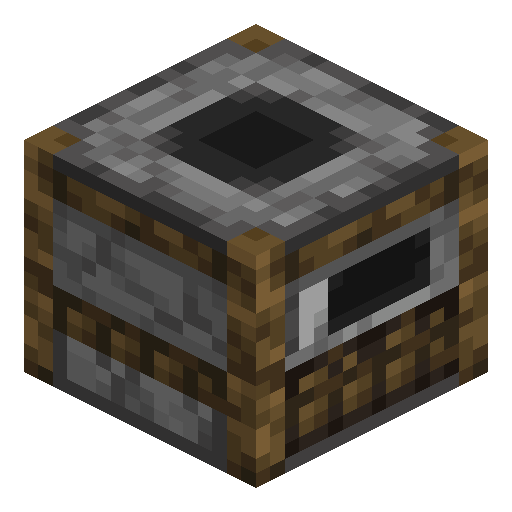
Smoker
Smoker cooks food twice as fast as a regular furnace — the dedicated cooking station and the butcher villager's workstation.
Description
The block also serves as the workstation of the butcher villager profession. Placing one in a village without an existing butcher will recruit any unemployed villager to that role, opening trades in raw and cooked meats, sweet berries, and rabbit stew. Visually it shows a fire animation when active and emits smoke particles from the chimney on top, making it easy to spot in a kitchen layout. Mining yields the device intact when broken with a pickaxe, regardless of contents.
Block properties
| Item ID |
minecraft:smoker
|
|---|---|
| /give command |
/give @p minecraft:smoker
|
| Stackable | Yes (64) |
| Best tool | Pickaxe |
| Renewable | Yes |
| Hardness | 3.5 |
| Blast resistance | 3.5 |
| Light level | 13 (while working) |
| Java Edition | 1.14 |
| Bedrock Edition | 1.11.0 |
Guide
How to use a Smoker in Minecraft
-
1
Craft a Smoker
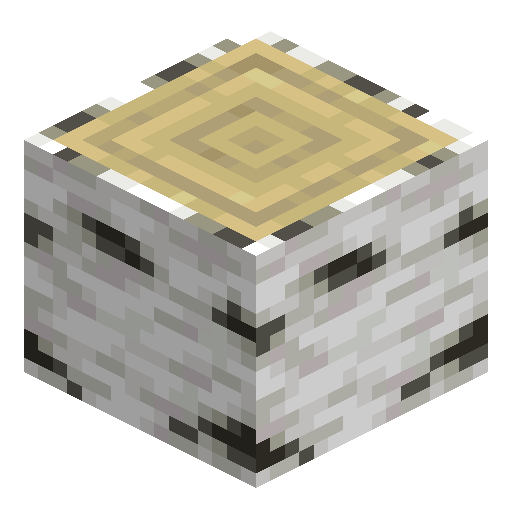
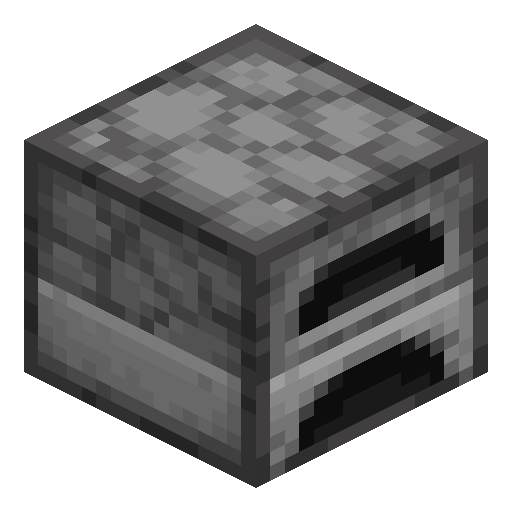
Craft a Smoker by placing 1 Furnace in the center of a crafting table and surrounding it with 4 logs of any wood type — you will receive 1 Smoker.
-
2
Place and open the Smoker
Place the Smoker anywhere in your base. Open it with right-click to see the familiar 3-slot interface: fuel slot on the bottom left, input slot on the top left, and output slot on the right.
-
3
Add fuel
Add any fuel to the fuel slot — coal, wood, lava bucket, or any burnable item. Smoker accepts the same fuels as a regular Furnace.
-
4
Load raw food
Place any raw food item (raw beef, raw chicken, raw fish, potato, kelp, etc.) in the input slot. The Smoker cooks each food item in 100 ticks (5 seconds) — exactly half the time of a regular Furnace.
-
5
Collect and remember: food only
Smoker only accepts food items. Placing ores or sand will not start smelting.
A Smoker placed in an unoccupied village will convert a nearby unemployed villager into a Butcher, who trades cooked meats and rabbit stew.
How to craft this block


Frequently asked questions
What can a Smoker cook in Minecraft?
A Smoker cooks only food items — raw meat, raw fish, potatoes, kelp, and other edible raw materials. It cannot smelt ores, melt sand into glass, or process non-food items. For ores, use a Blast Furnace or regular Furnace.
How much faster is a Smoker than a regular Furnace?
A Smoker cooks food in 100 ticks (5 seconds) while a regular Furnace takes 200 ticks (10 seconds). This makes the Smoker exactly twice as fast for food. Fuel consumption per item is identical, so the Smoker delivers double the throughput at the same fuel cost.
How do I craft a Smoker?
Place 1 Furnace in the center of a crafting table, then surround it with 4 logs or stems of any type — stripped variants and nether hyphae work as well. The recipe yields 1 Smoker.
What villager profession uses a Smoker?
The Butcher villager profession uses the Smoker as its job site block. Placing a Smoker in a village without an active Butcher will convert a nearby unemployed villager into a Butcher, who buys raw meats and sweet berries and sells cooked chicken, cooked porkchop, and rabbit stew.
When was the Smoker added to Minecraft?
The Smoker was added in Java Edition 1.14 (Village and Pillage update), released in April 2019, and in Bedrock Edition 1.11.0. It serves as the job site block of the butcher villager profession and arrived alongside the Blast Furnace for ore smelting.