


How to Make Frequency Transmitter in Minecraft

Frequency Transmitter
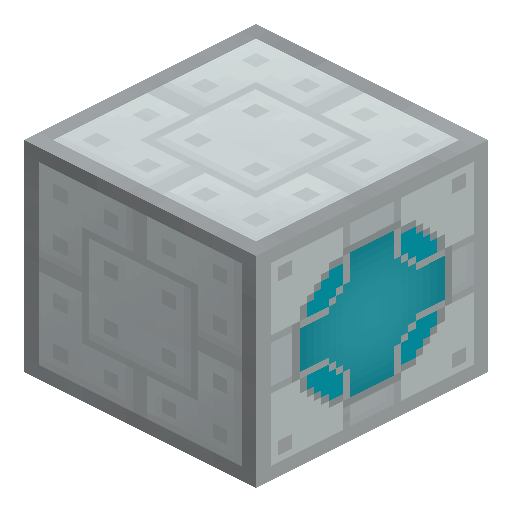
Frequency Transmitter is the IC2 tool that copies a Teleporter's coordinates to link two teleport pads together.
Description
Java Edition Guide
How to use the Frequency Transmitter in Minecraft (IndustrialCraft 2)
-
1
Craft the transmitter
Place one Electronic Circuit and one Insulated Copper Cable anywhere in the crafting grid; the shapeless IC2 recipe yields one Frequency Transmitter.
-
2
Store the source coordinates
Hold the Frequency Transmitter, then sneak and right-click a placed Teleporter to copy its X, Y and Z position into the tool.
-
3
Link the destination
Walk to a second Teleporter and right-click it with the same transmitter to set the stored coordinates as its teleport target.
-
4
Power and test the route
Supply both Teleporters with EU, step onto the source pad, and confirm you arrive at the linked Teleporter.
The Frequency Transmitter holds only one coordinate set at a time; re-binding it to a new Teleporter overwrites the previous target.
How to craft this block



Used in crafts





Frequently asked questions
How do you craft a Frequency Transmitter?
Place one Electronic Circuit and one Insulated Copper Cable anywhere in the crafting grid; the shapeless IC2 recipe makes one Frequency Transmitter.
What is the Frequency Transmitter used for?
It copies a Teleporter's coordinates so you can link two Teleporters into a working teleport route.
Is the Frequency Transmitter a crafting ingredient?
Yes. One Frequency Transmitter is required to craft the IC2 Teleporter, and it is also used in the IC2 Remote.
Does the Frequency Transmitter use energy?
No. The tool stores coordinates without EU; only the Teleporters it links consume energy to move entities.
Can you re-use a Frequency Transmitter?
Yes. You can re-bind it to a new Teleporter at any time, which overwrites the previously stored coordinates.