


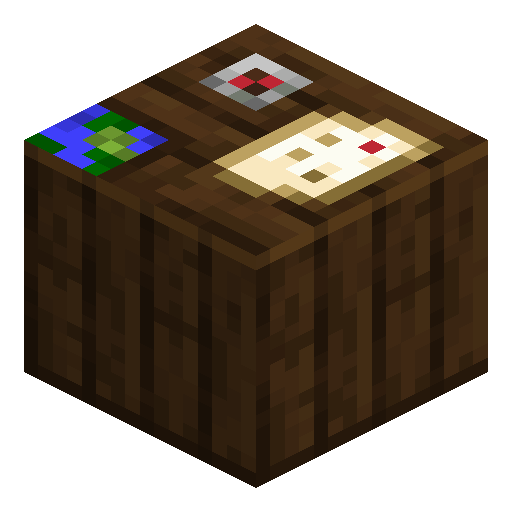
Cartography Table
Cartography Table clones, expands, and locks maps — the workstation of the cartographer villager profession.
Description
The block also handles operations the crafting grid cannot: a filled map combined with a glass pane locks into a snapshot that stops updating, and in Bedrock Edition a compass added to a map turns it into a locator map that tracks the player. Beyond map work, the block serves as the workstation of the cartographer villager profession; placing one in an unstaffed village recruits an unemployed villager who then trades empty maps, banner patterns, and most importantly the rare explorer maps that lead to ocean monuments and woodland mansions.
Block properties
| Item ID |
minecraft:cartography_table
|
|---|---|
| /give command |
/give @p minecraft:cartography_table
|
| Stackable | Yes (64) |
| Best tool | Axe |
| Renewable | Yes |
| Hardness | 2.5 |
| Blast resistance | 2.5 |
| Java Edition | 1.14 |
| Bedrock Edition | 1.11.0 |
Java Edition Guide
How to use a Cartography Table in Minecraft
-
1
Craft the Cartography Table
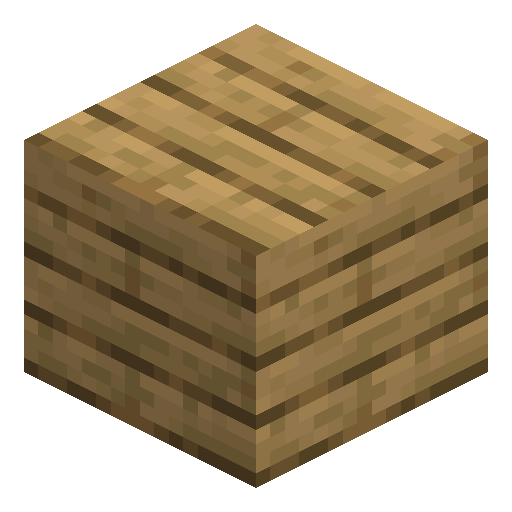
Place 2 paper in the top row and 4 wooden planks of any type in the bottom two rows of the 3x3 crafting grid. The recipe requires no other ingredients.
-
2
Place and open the block
Put the Cartography Table on the ground and right-click to open its dedicated two-input interface.
-
3
Clone a map
Place an existing map in the top slot and an empty map in the bottom slot to produce a perfect copy that keeps every explored chunk.
-
4
Expand a map
Place a filled map in the top slot and add 1 to 4 sheets of paper to zoom out by one level per paper, up to scale level 4 covering 2048x2048 blocks.
-
5
Lock a map
Place a filled map plus a glass pane to lock the map permanently — the locked copy will no longer update as the world changes around it.
Placing a Cartography Table in a village without an active cartographer recruits an unemployed villager into the cartographer profession, opening trades for explorer maps.
How to craft this block








Frequently asked questions
How do you craft a Cartography Table?
Combine 2 paper above 4 wooden planks (any wood type) in a 3x3 crafting grid. The recipe yields one Cartography Table per craft.
What is the maximum map zoom on a Cartography Table?
A map can be expanded up to scale level 4, which covers a 2048x2048 block area. Each additional paper increases the zoom by one level.
Does locking a map require a Cartography Table?
Yes. Combining a filled map with a glass pane only works at a Cartography Table. The locked copy stops updating, preserving the world state at the moment of locking.
Can a Cartography Table merge two maps?
No. The Cartography Table only clones, zooms out, and locks maps — merging two explored maps into one is not a vanilla mechanic. Cloning comes closest: the copy keeps the original's exploration at the moment of cloning, but the two maps record new terrain independently afterward.
How does a Cartography Table help villagers?
A Cartography Table is the cartographer villager profession workstation. Place one near an unemployed villager to recruit a cartographer, who then trades explorer maps to ocean monuments and woodland mansions.
Minecraft and all related materials are trademarks and copyrights of Mojang Studios © 2009–2026. This site is not an official Minecraft product and is not affiliated with or endorsed by Mojang Studios or Microsoft Corporation.