


Warped Stem — Minecraft block
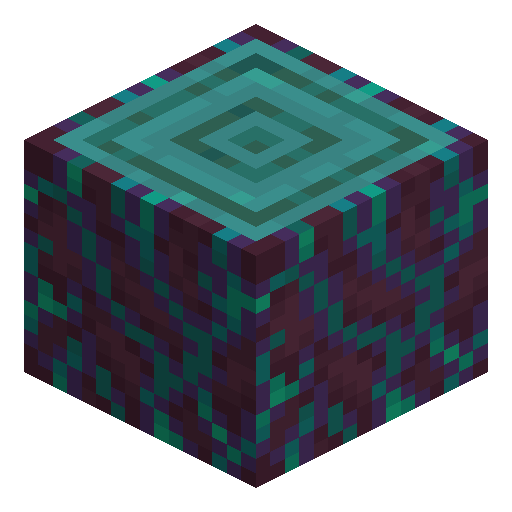
Warped Stem
Warped Stem is the Nether log-equivalent from warped forests — dark teal outer skin with bright cyan accents and a pale interior when stripped.
Description
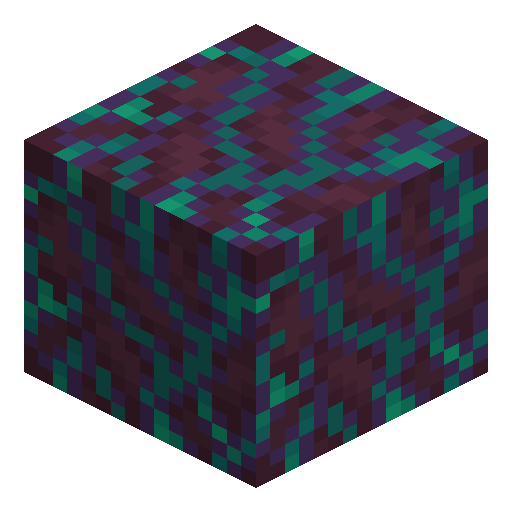
Like all Nether wood, this material does not burn. Lava, fire, and flint-and-steel cannot ignite it, and a furnace rejects it as fuel — making it ideal for floors and ceilings near open lava. To grow more, plant a warped fungus on warped nylium and use bone meal: the fungus erupts into a huge warped fungus that drops stems, shroomlight, twisting vines, and warped wart blocks when harvested.
Block properties
| Item ID |
minecraft:warped_stem
|
|---|---|
| /give command |
/give @p minecraft:warped_stem
|
| Stackable | Yes (64) |
| Best tool | Axe |
| Renewable | Yes |
| Hardness | 2 |
| Blast resistance | 2 |
| Java Edition | 1.16 |
| Bedrock Edition | 1.16.0 |
Guide
How to Obtain and Use Warped Stem in Minecraft
-
1
Locate a Warped Forest in the Nether
Enter the Nether and search for the Warped Forest biome — a teal-coloured landscape filled with giant warped fungi, blue fog particles, and Endermen. Warped Forest is the safest Nether biome because Piglins, Zombie Piglins, and Hoglins do not naturally spawn there, making it ideal for gathering materials without combat gear.
-
2
Mine the Warped Stem
Break the trunk of any giant warped fungus with an axe — an axe is the fastest tool for harvesting Warped Stem. The stem drops as an item block regardless of the tool used; no Silk Touch enchantment is required. One trunk segment drops one Warped Stem.
-
3
Grow your own supply with Bone Meal
Place a Warped Fungus on Warped Nylium, then apply Bone Meal. The fungus grows into a giant warped fungus tree that drops multiple Warped Stems, Shroomlights, Twisting Vines, and Warped Wart Blocks. Repeat the process to farm an unlimited supply of Warped Stems without exploring further.
-
4
Strip the stem for a different wood tone
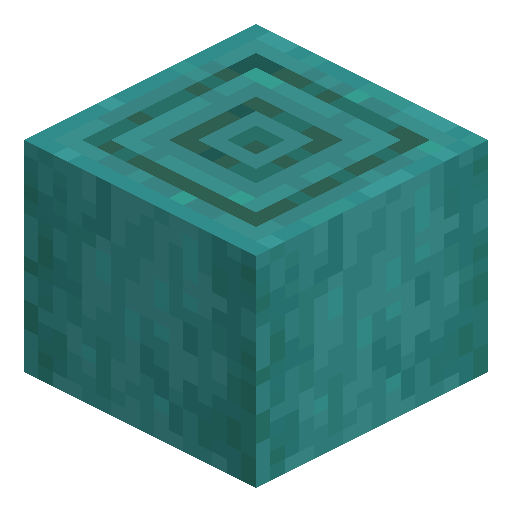
Right-click (or use) the Warped Stem with an axe in hand to strip the bark. The Stripped Warped Stem exposes a pale yellow-cream interior — a visually distinct colour that suits lighter, neutral Nether builds and contrasts well against darker stone and blackstone.
-
5
Craft Warped Planks or Warped Hyphae
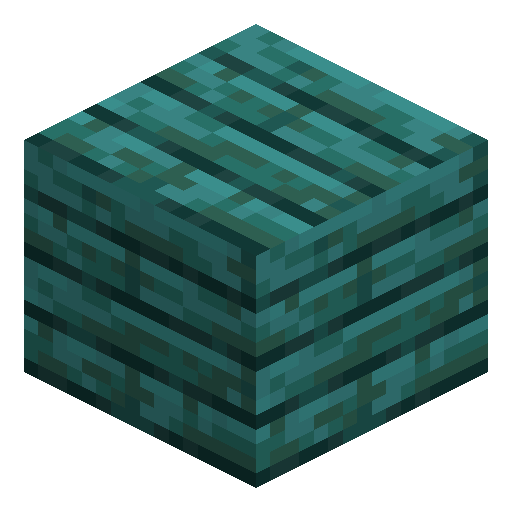
Place 1 Warped Stem in any crafting slot to receive 4 Warped Planks — the base material for warped wood stairs, slabs, fences, doors, and trapdoors. To craft Warped Hyphae — the log-pattern block with bark visible on every face — arrange 4 Warped Stems in a 2×2 grid on a crafting table to receive 3 Warped Hyphae.
Warped Stem, Stripped Warped Stem, Warped Planks, and all warped wood products are completely fire-resistant — lava, fire blocks, and Flint and Steel cannot ignite them. This makes Warped Stem the preferred structural material for Nether builds near exposed lava lakes, where oak or spruce would combust immediately.



Frequently asked questions
Can you craft a Warped Stem?
Warped Stem cannot be crafted. It generates naturally as the trunk of giant warped fungi in Warped Forest biomes in the Nether. To grow your own supply, plant a Warped Fungus on Warped Nylium and apply Bone Meal — the fungus erupts into a giant tree that drops several stems.
Does Warped Stem burn?
No. Warped Stem is completely fire-resistant — lava, fire, and Flint and Steel cannot ignite it. This property applies to all warped wood products: Warped Planks, Stripped Warped Stem, Warped Hyphae, and crafted items made from them.
Can Warped Stem be used as fuel in a furnace?
No. A furnace rejects Warped Stem as fuel. If you need a furnace near a Nether build, use coal, charcoal, or overworld wood blocks as fuel instead.
What is the difference between Warped Stem and Crimson Stem?
Warped Stem is teal-blue and grows in Warped Forest biomes; Crimson Stem is deep red and grows in Crimson Forest biomes. Both are fire-resistant Nether logs added in Minecraft 1.16, but they produce differently coloured planks and decorative blocks.
What can you craft with Warped Stem?
One Warped Stem produces 4 Warped Planks on any crafting grid. Planks craft further into warped stairs, slabs, fences, doors, and trapdoors. Arranging 4 Warped Stems in a 2×2 pattern yields 3 Warped Hyphae — the version with bark visible on all six faces.
Is Warped Stem available in both Java and Bedrock?
Yes. Warped Stem was added to both Java Edition 1.16 and Bedrock Edition 1.16.0 as part of the Nether Update released in June 2020. It behaves identically in both editions.