


Sentry Armor Trim Smithing Template
Sentry Armor Trim Smithing Template is found in pillager outpost chests and adds a rigid, military-like pattern to armor.
Description
Block properties
| Item ID |
minecraft:sentry_armor_trim_smithing_template
|
|---|---|
| /give command |
/give @p minecraft:sentry_armor_trim_smithing_template
|
| Stackable | Yes (64) |
| Renewable | No |
| Java Edition | 1.20 |
| Bedrock Edition | 1.20.0 |
Java & Bedrock Guide
How to use the Sentry Armor Trim in Minecraft
-
1
Find a pillager outpost
Locate a pillager outpost in an Overworld biome and climb the central watchtower; the chest at the top is the only place the Sentry Armor Trim Smithing Template can spawn.
-
2
Open a smithing table
Right-click a smithing table to open its three input slots, ordered template, armor piece, and trim material.
-
3
Apply the trim
Put the Sentry template in the first slot, an armor piece in the second, and a trim material such as iron or emerald in the third, then take the decorated armor from the output.
-
4
Duplicate the template
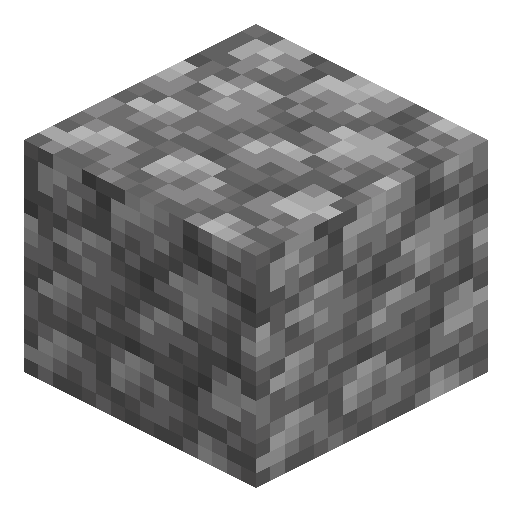
Combine the Sentry template with 7 diamonds and 1 cobblestone at a crafting table to get the original back plus one extra copy, enough to trim a whole armor set.
Applying a trim is purely cosmetic and never changes armor protection, durability, or enchantments. Each application consumes one template, so duplicate it before trimming several pieces.
How to craft this block







Frequently asked questions
Where do you find the Sentry Armor Trim Smithing Template?
It is found only in the chest at the top of a pillager outpost watchtower in the Overworld; it does not generate in any other structure.
Does the Sentry trim change armor protection?
No. Armor trims are cosmetic only and leave defense, durability, and enchantments completely unchanged.
How do you duplicate the Sentry Armor Trim template?
Combine the template with 7 diamonds and 1 cobblestone at a crafting table to return the original plus one extra copy.
Which materials can apply the Sentry trim?
Iron, copper, redstone, lapis lazuli, gold, quartz, emerald, diamond, netherite, amethyst, and resin brick can each be used as the trim colour.
What version added the Sentry Armor Trim?
It was added in Minecraft 1.20, the Trails & Tales update, and works in both Java and Bedrock Edition.
Minecraft and all related materials are trademarks and copyrights of Mojang Studios © 2009–2026. This site is not an official Minecraft product and is not affiliated with or endorsed by Mojang Studios or Microsoft Corporation.