


Moss Block — Minecraft block
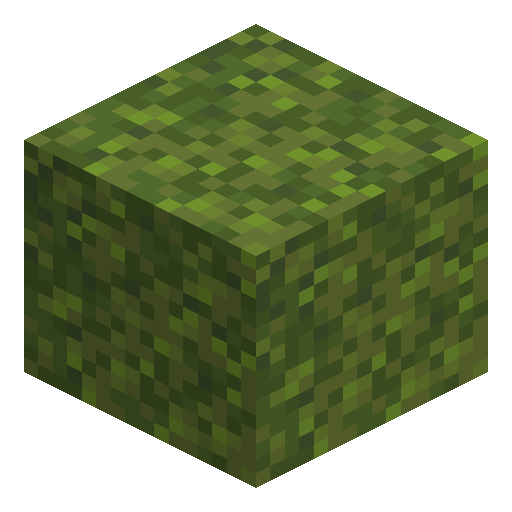
Moss Block
Moss Block is the verdant cushion of lush caves — bone-mealed it transforms surrounding stone into a green explosion.
Description
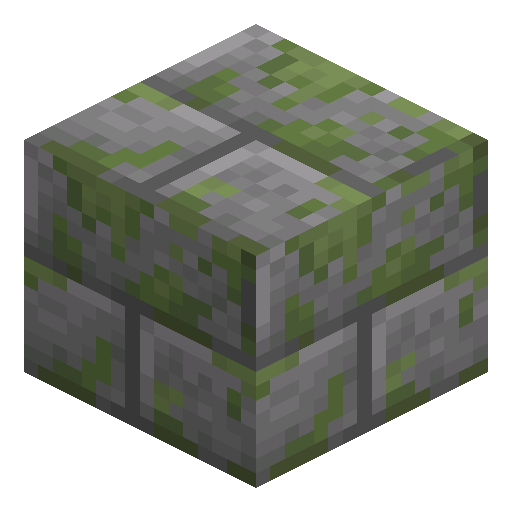
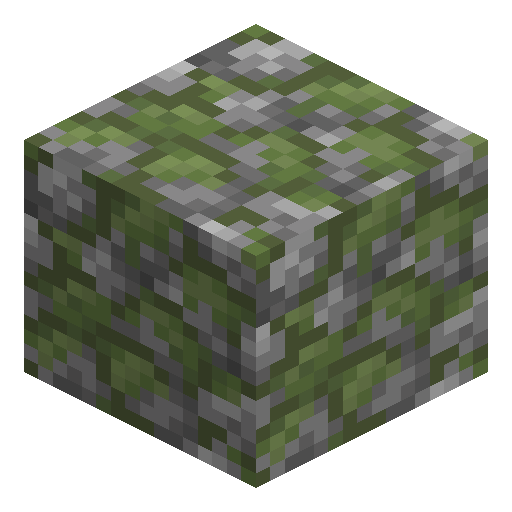
The block accepts azalea and flowering azalea trees on top, providing a renewable surface for growing the lush canopy. In crafting, one Moss Block plus one cobblestone yields two mossy cobblestone, the same swap with stone bricks yields mossy stone bricks, and two moss blocks craft three moss carpet. As a building material, the bright green tint pairs aggressively with mangrove planks, mud, oak leaves, and stone for fantasy or fairy-tale themes. Mining is fastest with a hoe, though any tool drops the block. Besides lush caves, Moss Block also appears naturally in trial chambers.
Block properties
| Item ID |
minecraft:moss_block
|
|---|---|
| /give command |
/give @p minecraft:moss_block
|
| Stackable | Yes (64) |
| Best tool | Hoe |
| Renewable | Yes |
| Hardness | 0.1 |
| Blast resistance | 0.1 |
| Java Edition | 1.17 |
| Bedrock Edition | 1.17.0 |
Guide
How to Use Bone Meal on Moss Block to Spread Lush Cave Plants
-
1
Locate a Moss Block
Find Moss Block naturally in lush cave biomes underground, or loot one from underwater shipwreck chests. Moss Block cannot be crafted and must be collected from these sources.
-
2
Place Moss Block on the Surface
Place one or more Moss Blocks on or adjacent to stone, dirt, or deepslate. The blocks you want to convert must be directly next to the Moss Block horizontally or vertically.
-
3
Apply Bone Meal
Right-click (use) Bone Meal on the Moss Block. This causes Moss Block to spread to eligible adjacent blocks and spawns lush cave vegetation — short grass, tall grass, moss carpet, and azaleas — on nearby surfaces.
-
4
Repeat to Expand the Area
Reapply Bone Meal on newly converted Moss Blocks to keep spreading the lush cave ecosystem outward. Each application converts a random selection of neighbouring blocks.
-
5
Harvest with a Hoe
Break Moss Blocks with any hoe for the fastest mining speed. Moss Block drops itself regardless of tool used; a hoe simply speeds up the process significantly.
A hoe is the fastest tool for breaking Moss Block. An enchanted diamond or netherite hoe with Efficiency V breaks Moss Block almost instantly. One Moss Block plus one cobblestone also crafts two mossy cobblestone.
Used in crafts



Frequently asked questions
Where does Moss Block naturally generate?
Moss Block generates naturally in lush cave biomes, covering stone walls, ceilings, and floors with soft green patches, and also appears in trial chambers. It can be found in supply chests inside underwater shipwrecks at a 42.1% chance (1–4 blocks).
What happens when you apply bone meal to a Moss Block?
Applying bone meal to Moss Block causes it to spread to adjacent stone, dirt, or deepslate blocks. It also spawns short grass (52.08%), moss carpet (26.04%), tall grass (10.42%), azalea (7.29%), and flowering azalea (4.17%) on nearby surfaces. Cobblestone is never converted — it only combines with moss in crafting.
What is the fastest tool to break Moss Block?
A hoe is the fastest tool for breaking Moss Block. The drop does not depend on the tool: any tool or even a bare hand drops the block itself. A diamond or netherite hoe with Efficiency V breaks Moss Block almost instantly.
Was Moss Block added to Java Edition and Bedrock Edition at the same time?
Moss Block was added in Java Edition 1.17 (Caves & Cliffs Part I, released June 2021). Bedrock Edition received Moss Block in version 1.17.0 (June 2021); before that, the block was only available in betas behind the Experimental Gameplay toggle.
Can Moss Block form moss carpet and grow azaleas?
Yes. When bone meal is applied to Moss Block, moss carpet can form on top of adjacent surface blocks, and short grass, tall grass, azalea or flowering azalea bushes may appear nearby.
Does Moss Block have a high blast resistance?
No. Moss Block has a blast resistance of only 0.1, making it one of the softer decorative blocks in Minecraft. It is easily destroyed by explosions.