


Empty Map
Map records explored terrain and can be expanded, copied, locked, or mounted in item frames for map walls.
Description
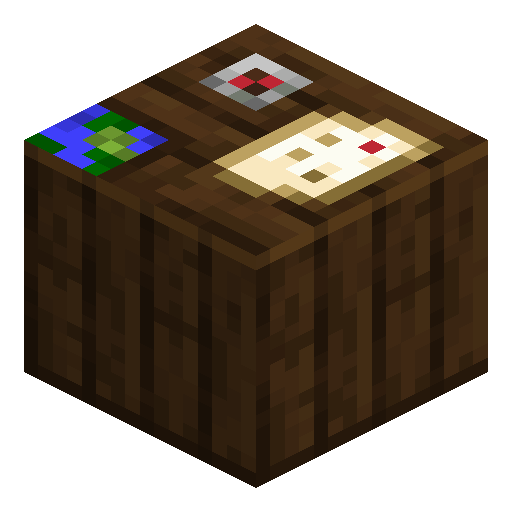
A cartography table zooms a Map out across four levels up to 1:16 (a 2048×2048 block area), clones identical copies for teammates, and locks the drawing with a glass pane so it ignores later terrain edits. Placing a Map in an item frame renders it full size on a wall, and a grid of frames builds one giant base map. Map turns exploration into a permanent visual record, which is why survival players rely on it for navigation, treasure routes, and shared spawn guides.
Block properties
| Item ID |
minecraft:map
|
|---|---|
| /give command |
/give @p minecraft:map
|
| Stackable | Yes (64) |
| Renewable | Yes |
Java & Bedrock Guide
How to craft and use a Map in Minecraft
-
1
Gather paper and a compass
Craft paper from sugar cane (three in a row makes three paper) and a compass from four iron ingots around one redstone dust. A Java Edition Map needs eight paper and one compass.
-
2
Craft the empty Map
Open a crafting table and place the compass in the centre with eight paper in the surrounding slots. In Bedrock Edition use nine paper for a plain map, or add the compass for a locator map.
-
3
Activate and fill it
Hold the Map and press use to draw the area around you at 1:1 scale. Walk to the edges of the drawing to extend coverage across the 128×128 block region.
-
4
Zoom, copy, or lock at a cartography table
Add paper to zoom out one level (up to 1:16), add an empty map to clone the Map, or add a glass pane to lock it so future terrain changes are ignored.
-
5
Display it in an item frame
Place the Map in an item frame to show it full size on a wall, and align several frames in a grid to build a seamless base map.
Java Edition has a single Empty Map recipe (8 paper + 1 compass). Bedrock Edition separates the plain Empty Map (9 paper) from the Empty Locator Map (8 paper + 1 compass) that shows your white position marker.
How to craft this block


Used in crafts
Related blocks




Frequently asked questions
How do you craft a Map in Minecraft?
In Java Edition, surround one compass with eight paper on the 3×3 grid. In Bedrock Edition, use nine paper for a plain map or eight paper plus a compass for a locator map.
Why is my Map blank?
A Map only draws terrain after you hold it and use it, then walk around. The covered area is fixed when first opened, so move toward the edges to reveal more.
How do you zoom out a Map?
Combine the Map with one paper at a cartography table to increase the zoom one level, up to a maximum 1:16 scale covering 2048×2048 blocks.
Can you copy a Map for friends?
Yes. Place the Map together with an empty map in a cartography table or 2×2 grid to clone it; both copies keep updating as either player explores the same area.
Does a Map work in an item frame?
Yes. A Map in an item frame renders at full size, and a grid of frames forms one large wall map with a marker showing where the frame hangs.
Minecraft and all related materials are trademarks and copyrights of Mojang Studios © 2009–2026. This site is not an official Minecraft product and is not affiliated with or endorsed by Mojang Studios or Microsoft Corporation.