


Remote Interface — Minecraft block

Remote Interface
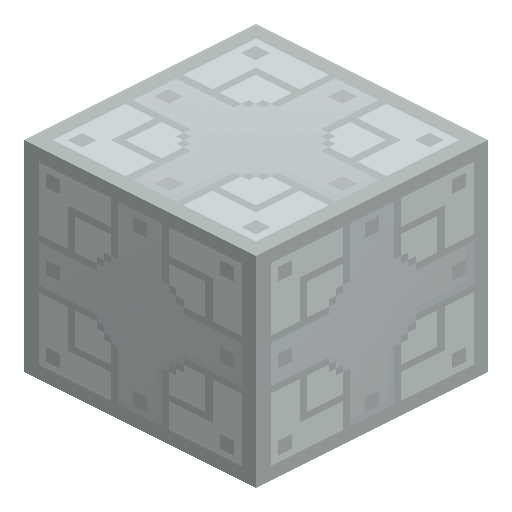
Remote Interface is an IndustrialCraft 2 upgrade that lets a machine or Trading Terminal be accessed beyond a player's normal reach.
Description
IC2 Experimental Guide
How to use the Remote Interface in IndustrialCraft 2
-
1
Get the Remote Interface
Obtain the Remote Interface in Creative mode or with the give command, since the listed IC2 versions include no survival crafting recipe for it.
-
2
Open the host block
Right-click the IC2 machine or Trading Terminal you want to reach remotely and open its upgrade or interface slots.
-
3
Install the upgrade
Place the Remote Interface into the slot; a Trading Terminal accepts up to 16 units to link several remote machines at once.
-
4
Access the block remotely
Once installed, the linked block reports itself as reachable beyond your normal interaction range, so you can open and operate it from a distance.
Remote Interface is part of IC2 Experimental's trading and remote-access system and behaves as a niche component; exact behavior can vary between IC2 builds.







Frequently asked questions
What does the Remote Interface do in IndustrialCraft 2?
It marks a machine or terminal as reachable beyond the player's normal interaction distance, enabling remote access to that block.
Can you craft the Remote Interface in survival?
The listed IC2 versions include no documented survival recipe, so it is usually obtained in Creative mode or with the give command.
How many Remote Interfaces fit in a Trading Terminal?
A Trading Terminal accepts up to 16 Remote Interface units, letting it connect to several distant Trade-O-Mat machines.
Is the Remote Interface a block or an item?
It is an upgrade item that shares the ic2:upgrade id (metadata 10), not a standalone placeable block.