


Birch Sign
Birch Sign is a pale birch-wood sign block that shows up to four lines of text for labeling chests, farms, and paths in Minecraft.
Description
A placed Birch Sign works as an editable label: using the sign reopens the editor, a dye recolors all 4 lines, a Glow Ink Sac adds glowing outlined text, and a Honeycomb waxes the sign against any further edits. A top-placed Birch Sign faces the placer in any of 16 directions. For pale birch builds — light-wood cottages, birch groves, clean modern rooms — Birch Sign keeps labels in tone with the woodwork. One Birch Sign also smelts 1 item as furnace fuel in a pinch.
Block properties
| Item ID |
minecraft:birch_sign
|
|---|---|
| /give command |
/give @p minecraft:birch_sign
|
| Stackable | Yes (16) |
| Best tool | Axe |
| Renewable | Yes |
| Hardness | 1 |
| Blast resistance | 1 |
| Java Edition | 1.14 |
| Bedrock Edition | 1.9.0 |
Java & Bedrock Guide
How to craft and use a Birch Sign in Minecraft
-
1
Craft birch planks
Break a birch tree for birch logs, then craft each birch log into 4 birch planks.
-
2
Craft 3 Birch Signs
Place 6 birch planks across the top two rows of a crafting grid, put 1 stick in the center of the bottom row, and collect the 3 Birch Signs.
-
3
Place the sign and write
Use the sign on the top or side of a block, type up to 4 lines of text, and close the editor; hold sneak while placing to attach the sign to a chest or another block that reacts to use.
-
4
Style the text
Use a dye on the placed Birch Sign to recolor all 4 lines, then apply a Glow Ink Sac for glowing outlined text; a regular Ink Sac removes the glow again.
-
5
Lock the text with wax
Use a Honeycomb on the Birch Sign; the waxed sign keeps every player out of the editor until the sign is broken and placed again.
An axe breaks a Birch Sign fastest, and a Birch Sign pops off as an item whenever the attached block is removed or moved.
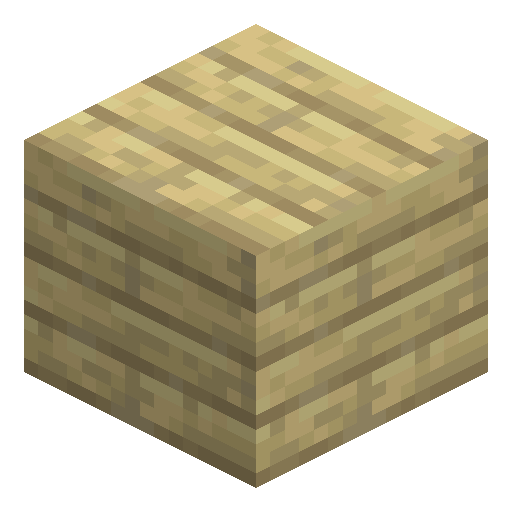
How to craft this block






Frequently asked questions
How many lines of text fit on a Birch Sign?
A Birch Sign holds up to 4 lines of text. The back side of the sign can also be written on separately after interacting with that side.
Can a placed Birch Sign be edited later?
Using a placed Birch Sign reopens the text editor. A sign waxed with a Honeycomb stays locked until broken and placed again.
Do mobs or dropped items get blocked by a Birch Sign?
Birch Sign is a non-solid block with no collision, so mobs and dropped items move straight through a Birch Sign.
Can water or lava destroy a Birch Sign?
Water and lava flow around Birch Sign without destroying the sign, so players use signs to steer and stop fluid flows.
How many Birch Signs fit in one inventory slot?
Birch Signs stack up to 16 per inventory slot. Broken signs drop as items and can be placed again.
Minecraft and all related materials are trademarks and copyrights of Mojang Studios © 2009–2026. This site is not an official Minecraft product and is not affiliated with or endorsed by Mojang Studios or Microsoft Corporation.