


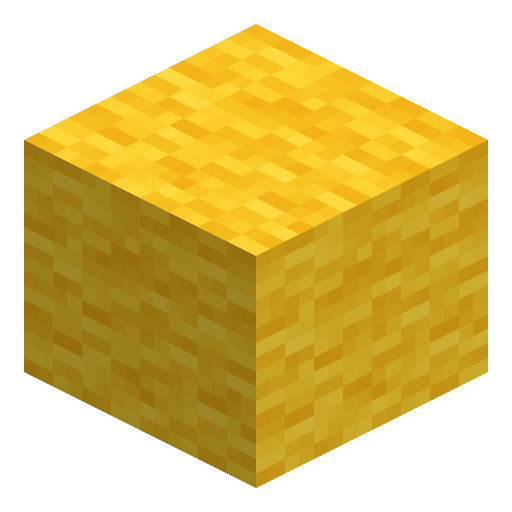

Yellow Banner
Yellow Banner is a placeable decoration block crafted from six yellow wool and one stick, customizable with dyes in a loom (pattern crafting station).
1.21
Description
Yellow Banner is a tall decoration block crafted from six yellow wool and one stick in a sign-like recipe: the wool fills the two top rows of the crafting grid and the stick sits in the bottom-middle cell. One craft yields one banner, and the base color is locked forever — six yellow wool always produce a Yellow Banner, because a banner's color cannot be changed after crafting. An axe breaks banners faster than any other tool, though any tool works, and up to 16 banners stack in one inventory slot. Yellow Banner counts as a renewable resource in Minecraft.
Yellow Banner accepts up to six pattern layers, each dyed with one of the 16 dye colors in a loom, and the top layer washes off in a cauldron of water. A finished Yellow Banner can be copied by crafting with a blank banner of the same base color, or pressed onto a shield. Yellow Banner also smelts 1.5 items per banner as furnace fuel. Placed on the ground in one of 16 directions or hung on a wall, the gently swaying Yellow Banner marks gates, harbors, and sun-colored builds.
Yellow Banner accepts up to six pattern layers, each dyed with one of the 16 dye colors in a loom, and the top layer washes off in a cauldron of water. A finished Yellow Banner can be copied by crafting with a blank banner of the same base color, or pressed onto a shield. Yellow Banner also smelts 1.5 items per banner as furnace fuel. Placed on the ground in one of 16 directions or hung on a wall, the gently swaying Yellow Banner marks gates, harbors, and sun-colored builds.
Block properties
| Item ID |
minecraft:yellow_banner
|
|---|---|
| /give command |
/give @p minecraft:yellow_banner
|
| Stackable | Yes (16) |
| Best tool | Axe |
| Renewable | Yes |
| Java Edition | 1.8 |
| Bedrock Edition | 1.2.0 |
Guide
How to craft and customize a Yellow Banner in Minecraft
-
1
Collect the materials
Gather six yellow wool and one stick — the complete recipe cost of one Yellow Banner.
-
2
Craft the Yellow Banner
Fill the two top rows of a crafting grid with the six yellow wool and place the stick in the bottom-middle cell. One craft yields one Yellow Banner with a permanent yellow base.
-
3
Place the banner
Set the Yellow Banner on the ground, where it can face 16 directions, or hang the banner on a wall.
-
4
Add patterns in a loom
Open a loom with the Yellow Banner, a dye, and a banner pattern item for special designs. Every pattern layer requires a dye, six layers fit on one banner, and the banner pattern item is not consumed.
-
5
Copy the finished design
Craft the patterned Yellow Banner together with a blank banner of the same base color to receive two identical banners. The blank banner must carry no patterns.
Shields
Crafting a Yellow Banner with a shield transfers the banner's design onto the shield, consumes the banner, and requires a shield without preexisting patterns.
How to craft this block
Crafting
 Yellow Banner

1







Frequently asked questions
What happens when the block behind a wall banner is removed?
The Yellow Banner breaks and drops itself as an item whenever the block it is attached to is moved, removed, or destroyed.
Can a Yellow Banner mark a map?
Yes, in Java Edition: pressing use on a placed Yellow Banner while holding a map adds a yellow marker at the banner's position, and pressing use again removes the marker. Bedrock Edition has no banner markers.
Do villagers sell Yellow Banners?
Cartographer and shepherd villagers sell banners, so a Yellow Banner can be obtained without crafting.
How tall is a placed Yellow Banner?
A placed Yellow Banner looks two blocks tall, but the hitbox (the clickable area) is only one block high, leaving the upper half open for other blocks.
When was the Yellow Banner added to Minecraft?
Banners in all 16 colors, Yellow Banner included, were added in Java Edition 1.8 and Bedrock Edition 1.2.0.
Minecraft and all related materials are trademarks and copyrights of Mojang Studios © 2009–2026. This site is not an official Minecraft product and is not affiliated with or endorsed by Mojang Studios or Microsoft Corporation.