


Stone Button
Stone Button creates a brief redstone pulse for doors, traps, dispensers, and compact manual controls.
Description
Block properties
| Item ID |
minecraft:stone_button
|
|---|---|
| /give command |
/give @p minecraft:stone_button
|
| Stackable | Yes (64) |
| Best tool | Pickaxe |
| Renewable | Yes |
| Hardness | 0.5 |
| Blast resistance | 0.5 |
Redstone guide
How to use a Stone Button in Minecraft
-
1
Craft the button
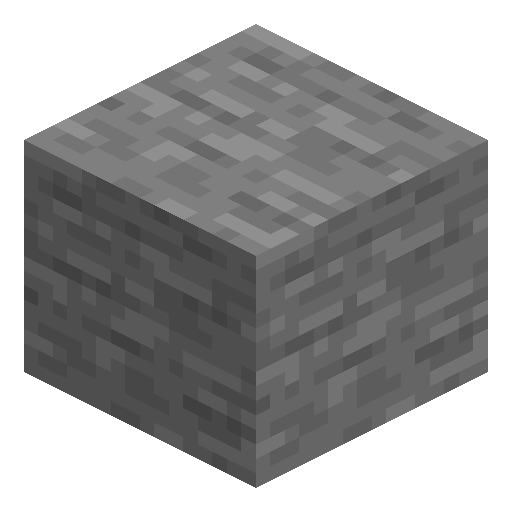
Place 1 stone block in any crafting slot to produce 1 Stone Button.
-
2
Attach the button
Place the Stone Button on the top, side, or underside of a solid block beside the mechanism.
-
3
Connect the output
Link the supporting block to a door, piston, dispenser, lamp, or redstone dust, then press the button for a pulse of 10 redstone ticks (1 second).
A Stone Button stays powered for 10 redstone ticks (1 second) and cannot be activated by arrows; wooden buttons stay powered for 1.5 seconds and react to projectiles.
How to craft this block
 Stone
x1
Stone
x1

Used in crafts
- Reactor Button







Frequently asked questions
How long does a Stone Button stay powered?
A Stone Button stays powered for 10 redstone ticks — 20 game ticks, or 1 second under normal game timing.
Can an arrow activate a Stone Button?
No. Arrows and other projectiles do not activate a Stone Button; use a wooden button when projectile activation is required.
How do you craft a Stone Button?
Place 1 regular stone block in any crafting slot to receive 1 Stone Button.
Minecraft and all related materials are trademarks and copyrights of Mojang Studios © 2009–2026. This site is not an official Minecraft product and is not affiliated with or endorsed by Mojang Studios or Microsoft Corporation.