


How to Make Spruce Log in Minecraft
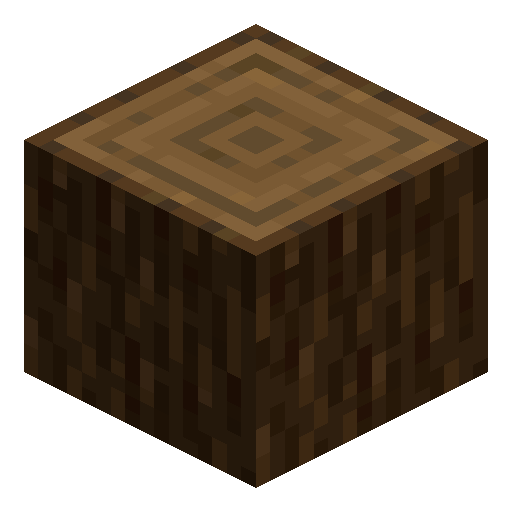
Spruce Log
Spruce Log carries a near-black bark from the cold taiga forests, the foundation of every dark-toned cabin.
Description
Spruce comes in three growth forms: a small straight tree from a single sapling, a tall pillar variant, and a true megaspruce that grows from a 2×2 sapling cluster and easily exceeds twenty blocks of trunk plus a wide canopy. Megaspruces in old-growth taiga can yield well over forty logs from a single tree, making this the most efficient natural source of wood in the game. The block strips with an axe, smelts to charcoal in a furnace, and produces four spruce planks per unit on the crafting grid — same as every other species.
Block properties
| Item ID |
minecraft:spruce_log
|
|---|---|
| /give command |
/give @p minecraft:spruce_log
|
| Stackable | Yes (64) |
| Best tool | Axe |
| Renewable | Yes |
| Hardness | 2 |
| Blast resistance | 2 |
Java & Bedrock Guide
How to use Spruce Log in Minecraft
-
1
Find a spruce tree
Spruce Log spawns in taiga, snowy taiga, old-growth taiga, and windswept forest biomes. For the highest yield, look for a 2×2 mega spruce cluster in old-growth taiga — a single mega tree can give 40 or more logs.
-
2
Chop with an axe
Use any axe to break Spruce Log blocks. An axe is the fastest tool; hardness is 2.0 so even a wooden axe works. No Silk Touch enchantment is needed — Spruce Log drops itself by default.
-
3
Strip the bark (optional)
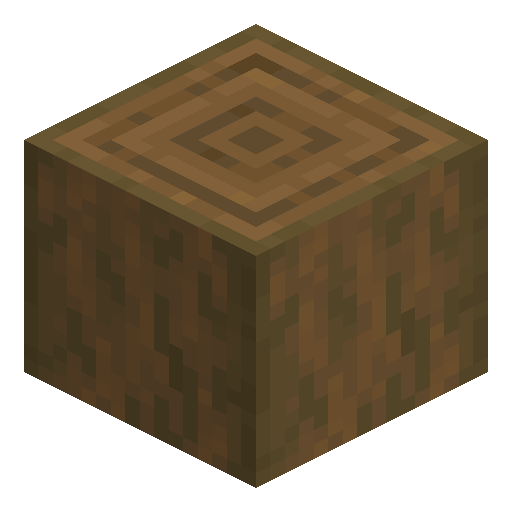
Right-click (Java) or interact (Bedrock) on a Spruce Log while holding any axe to strip it. Stripping converts it to Stripped Spruce Log, revealing a warm cinnamon-brown cross-section useful for accent builds.
-
4
Craft into planks
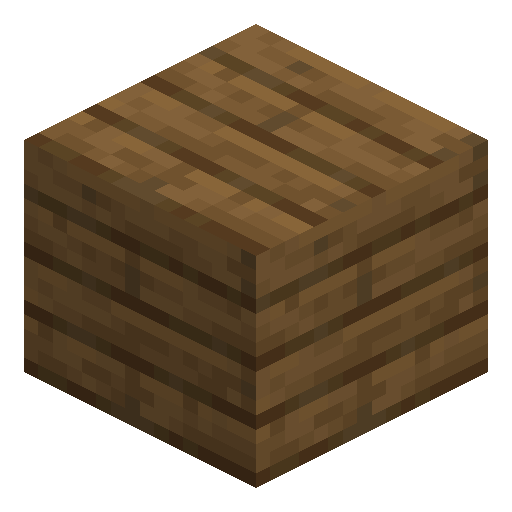
Place one Spruce Log anywhere in the crafting grid to receive 4 Spruce Planks. Planks are the gateway to slabs, stairs, fences, and all spruce wood furniture items.
-
5
Smelt for charcoal or use as fuel
Place Spruce Log in the top furnace slot to smelt it into 1 Charcoal. Alternatively, use Spruce Log as fuel — each log smelts 1.5 items, making it a renewable alternative to coal.
Spruce Log behaves identically in Java Edition and Bedrock Edition. Stripping gesture differs (right-click vs interact button), but the result is the same Stripped Spruce Log block.
How to craft this block





Frequently asked questions
Where do I find Spruce Log in Minecraft?
Spruce Log generates in taiga, snowy taiga, old-growth taiga (mega taiga), and windswept forest biomes. Chop any spruce tree trunk to collect Spruce Log blocks — no special tool or enchantment is required.
What does Spruce Log produce when crafted?
Placing one Spruce Log anywhere on the crafting grid yields 4 Spruce Planks. Those planks are the starting material for spruce slabs, stairs, fences, doors, trapdoors, and buttons.
Can Spruce Log be stripped?
Yes. Right-click a Spruce Log while holding any axe (Java Edition) or press the interact button (Bedrock Edition) to strip it. The result is Stripped Spruce Log (minecraft:stripped_spruce_log), which keeps the same shape but shows a warm cinnamon-brown interior.
Can Spruce Log be used as fuel or smelted?
Yes on both counts. As furnace fuel, one Spruce Log smelts 1.5 items. Placed in the ingredient slot of a furnace, one Spruce Log produces 1 Charcoal. Spruce Log is also flammable and will spread fire, so keep it away from open flames in builds.
What is the most efficient way to farm Spruce Log?
Grow a mega spruce by planting four spruce saplings in a 2×2 cluster with enough vertical space (around 30 blocks). A single mega spruce yields 40 or more Spruce Log blocks, making it the most efficient natural wood farm in the game.
Does Spruce Log work the same in Java and Bedrock?
Yes. Spruce Log has identical crafting output, fuel value, and stripping behavior in Java Edition and Bedrock Edition. Only the stripping input differs: right-click in Java, interact button in Bedrock.