


Oak Sign
Oak Sign is a pale wooden signpost crafted from 6 oak planks and 1 stick, used to display up to 4 lines of editable text for labels and directions.
Description
Since Minecraft 1.20, Oak Sign supports text on both the front and back faces, and applying a honeycomb locks the text against further edits. Letters can be recolored with any of the 16 dyes — text dyeing has existed since Minecraft 1.14 — or made to shine in the dark with a glow ink sac, an option added in Minecraft 1.17. Oak Sign is not flammable: in Java Edition neither fire nor lava can burn the wooden sign down, and only Bedrock Edition signs catch fire. Oak Sign has no collision box, so players walk straight through a standing sign — a useful detail for hidden entrances and decorative builds that need a label without blocking movement.
Block properties
| Item ID |
minecraft:oak_sign
|
|---|---|
| /give command |
/give @p minecraft:oak_sign
|
| Stackable | Yes (16) |
| Best tool | Axe |
| Renewable | Yes |
| Hardness | 1 |
| Blast resistance | 1 |
Java & Bedrock Guide
How to craft and use an Oak Sign in Minecraft
-
1
Gather planks and a stick
Craft six oak planks from oak logs and one stick from two planks. Oak logs come from oak trees in plains, forests, and swamp biomes.
-
2
Craft the Oak Sign
Fill the top two rows of the crafting grid with six oak planks and place one stick in the bottom-center slot to receive three Oak Signs.
-
3
Place and write
Place the Oak Sign on the ground or a wall, then type up to four lines of text in the editor that opens automatically.
-
4
Style the text
Right-click with a dye to recolor the letters or a glow ink sac to make them glow, then apply a honeycomb to wax the Oak Sign and lock its text.
Writing on both sides of an Oak Sign and waxing with honeycomb were added in Minecraft 1.20; in earlier versions only the front face holds text and signs cannot be locked.
How to craft this block
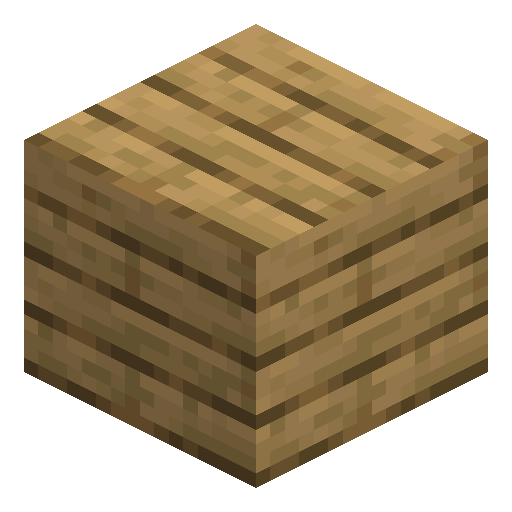








Frequently asked questions
How do you craft an Oak Sign?
Place six oak planks in the top two rows of the crafting grid and one stick in the bottom-center slot. One craft produces three Oak Signs.
Can you edit text on an Oak Sign after placing it?
Yes. In Minecraft 1.20 and later, right-click the Oak Sign to reopen the editor, unless it has been waxed with a honeycomb, which locks the text permanently.
Does an Oak Sign burn?
No. Oak Sign is not flammable — in Java Edition neither fire nor lava destroys the wooden sign, and only in Bedrock Edition can signs burn away.
How do you make Oak Sign text glow?
Use a glow ink sac on the Oak Sign to make the letters glow in the dark, and a regular dye to change their color.
Minecraft and all related materials are trademarks and copyrights of Mojang Studios © 2009–2026. This site is not an official Minecraft product and is not affiliated with or endorsed by Mojang Studios or Microsoft Corporation.