


Crimson Sign
Crimson Sign is a Nether wood sign block that displays up to four lines of text and labels storage, paths, and player bases.
Description
Players use Crimson Sign to label chests, mark tunnels, and leave directions for other players. A placed Crimson Sign accepts four lines of text on the front and four more on the back, a dye recolors all four lines at once, and a Glow Ink Sac adds a glowing outline that ignores lighting — a regular Ink Sac removes the glow. Waxing a placed Crimson Sign with a Honeycomb locks the message permanently: only breaking the waxed sign and placing a new one allows edits. Crimson Sign is waterloggable and, unlike overworld signs, cannot smelt anything as furnace fuel.
Block properties
| Item ID |
minecraft:crimson_sign
|
|---|---|
| /give command |
/give @p minecraft:crimson_sign
|
| Stackable | Yes (16) |
| Best tool | Axe |
| Renewable | Yes |
| Hardness | 1 |
| Blast resistance | 1 |
| Java Edition | 1.16 |
| Bedrock Edition | 1.16.0 |
Guide
How to Craft and Use a Crimson Sign in Minecraft
-
1
Gather six Crimson Planks and one Stick
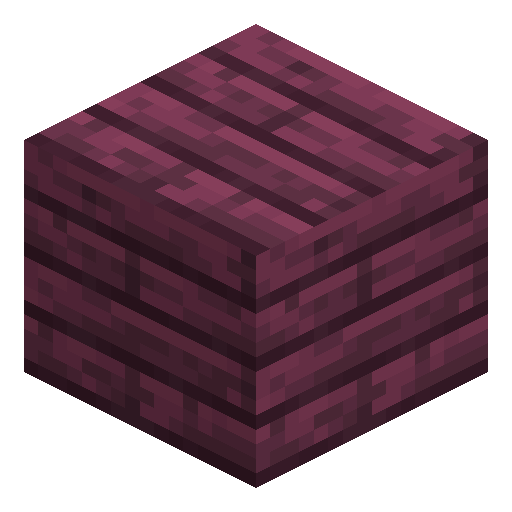
Craft Crimson Planks from Crimson Stems, the stems of huge Nether fungi: one stem yields four Crimson Planks on a crafting grid. Collect one Stick to complete the materials for a batch of signs.
-
2
Craft three Crimson Signs
Fill the top two rows of a 3×3 crafting grid with the six Crimson Planks and place the Stick in the center cell of the bottom row. The output slot yields three Crimson Signs per craft.
-
3
Place the sign and write the text
Use the Crimson Sign item on the top or the side of a block. The text editor opens with room for four lines on the front, and interacting with the back side adds another four lines.
-
4
Color the text
Use a dye on the placed Crimson Sign to recolor all four lines at once. Apply a Glow Ink Sac afterwards for glowing text with an outline, or a regular Ink Sac to cancel the glow.
-
5
Wax the sign to lock the message
Use a Honeycomb on the placed Crimson Sign to wax the text. A waxed Crimson Sign cannot be edited or unwaxed, so breaking and replacing is the only way to change the message.
Java Edition never ignites Crimson Sign from lava, while Bedrock Edition lets every sign variant, Crimson Sign included, catch fire from lava. Plan lava-side signage for the correct edition.
How to craft this block






Frequently asked questions
Which Minecraft version added the Crimson Sign?
Crimson Sign was added in Java Edition 1.16 and Bedrock Edition 1.16.0.
Is the Crimson Sign renewable?
Yes. Minecraft marks Crimson Sign as a renewable resource (obtainable in unlimited amounts), and one craft only spends six Crimson Planks and one Stick.
What are the Crimson Sign's stats?
Crimson Sign has hardness 1 and blast resistance 1, and stacks to 16. Any tool breaks Crimson Sign; an axe is the fastest choice.
How does a Crimson Sign attach to blocks?
On top of a block, Crimson Sign stands on a short post facing any of 16 directions; on the side of a block, Crimson Sign floats with no support below.
Can a waxed Crimson Sign be unwaxed?
No. A waxed Crimson Sign cannot be edited or unwaxed; the text changes only after breaking and replacing a sign, or through commands like /data.
Minecraft and all related materials are trademarks and copyrights of Mojang Studios © 2009–2026. This site is not an official Minecraft product and is not affiliated with or endorsed by Mojang Studios or Microsoft Corporation.