


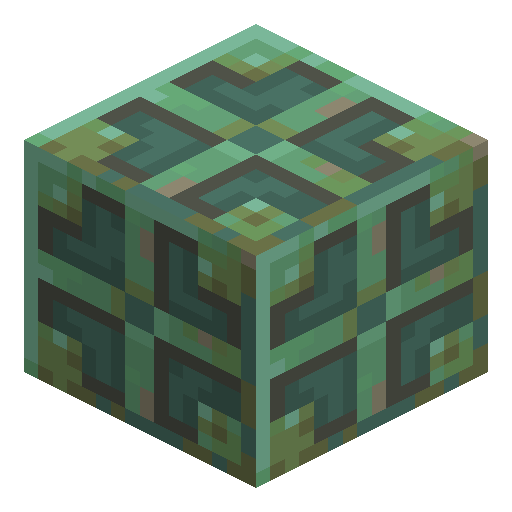
Waxed Weathered Copper Bulb
Waxed Weathered Copper Bulb toggles its light with one redstone pulse and holds light level 8 without oxidizing further.
Description
Waxed Weathered Copper Bulb is not conductive, but a comparator reading it outputs a signal strength of 15 while the light is lit and 0 while it is unlit, so pairing the two forms a compact T flip-flop for redstone builds. An observer placed next to Waxed Weathered Copper Bulb can also detect the moment it is powered or unpowered, useful for triggering other devices from the same pulse. On Bedrock Edition, Waxed Weathered Copper Bulb only activates on the input redstone tick, a timing detail worth checking when a build behaves differently between editions. Because the wax prevents any further oxidation, players who like the dim, greenish-brown weathered look and its light level 8 can keep that glow permanently instead of watching it darken to oxidized.
Block properties
| Item ID |
minecraft:waxed_weathered_copper_bulb
|
|---|---|
| /give command |
/give @p minecraft:waxed_weathered_copper_bulb
|
| Stackable | Yes (64) |
| Best tool | Pickaxe |
| Renewable | Yes |
| Light level | 8 (while working) |
| Java Edition | 1.21 |
| Bedrock Edition | 1.21.0 |
Guide
How to Get a Waxed Weathered Copper Bulb in Minecraft
-
1
Craft a Weathered Copper Bulb
Combine four Weathered Copper Blocks with a Blaze Rod and Redstone Dust on a crafting table to make four Weathered Copper Bulbs, or let a placed Copper Bulb oxidize naturally over time until it reaches the weathered stage.
-
2
Apply a Honeycomb
Place the Weathered Copper Bulb together with a Honeycomb on the crafting grid to turn it into a Waxed Weathered Copper Bulb, which stops the oxidation from progressing any further.
-
3
Wire it to a redstone pulse
Connect a lever, button, or observer to Waxed Weathered Copper Bulb so a single redstone pulse toggles the light on and off instantly.
-
4
Read the signal with a comparator
Point a comparator at Waxed Weathered Copper Bulb to get a signal strength of 15 while it is lit, which is useful for building a compact T flip-flop.
On Bedrock Edition, Waxed Weathered Copper Bulb only toggles on the input redstone tick, so wiring that works instantly on Java can lag by a tick there.
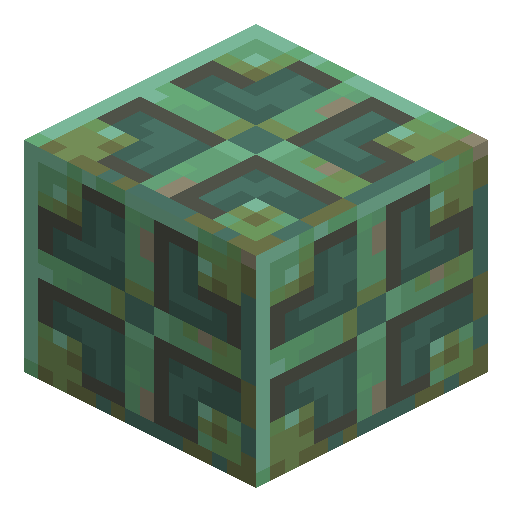
How to craft this block






Frequently asked questions
How much light does Waxed Weathered Copper Bulb give off?
Waxed Weathered Copper Bulb emits light level 8 while lit, matching the weathered stage of the copper bulb family, and gives no light while unlit.
Does Waxed Weathered Copper Bulb keep oxidizing?
No. Waxing a Weathered Copper Bulb with a honeycomb locks its color and light level 8 at the weathered stage permanently.
How do you toggle Waxed Weathered Copper Bulb?
A single redstone pulse from a lever, button, or other component instantly switches Waxed Weathered Copper Bulb between its lit and unlit state, with no delay.
Can Waxed Weathered Copper Bulb generate naturally?
Yes. Lit, waxed copper bulbs at random oxidation stages, including the weathered stage, generate naturally inside trial chambers.
Minecraft and all related materials are trademarks and copyrights of Mojang Studios © 2009–2026. This site is not an official Minecraft product and is not affiliated with or endorsed by Mojang Studios or Microsoft Corporation.