


How to Make Spruce Button in Minecraft

Spruce Button
A Spruce Button is a wooden redstone switch crafted from one Spruce Planks that emits a 1.5-second power pulse, longer than a Stone Button.
Description
A Spruce Button also stays pressed when hit by a fired arrow or a thrown trident, holding the signal on until that projectile is removed or despawns; a wind charge can press the button too, but only for the normal 1.5-second pulse, without holding it down. The shapeless crafting recipe lets a single Spruce Planks in any grid slot yield one button without wasting a second plank. Because the block is NOT flammable, spruce switch panels survive near lava and fire where a torch might catch, although on Bedrock Edition a Spruce Button still burns in contact with lava. Wood-variant buttons were added to Java Edition in 1.13 (snapshot 17w47a) and to Bedrock Edition in beta 1.2.14.2, when the whole family of buttons was introduced together.
Block properties
| Item ID |
minecraft:spruce_button
|
|---|---|
| /give command |
/give @p minecraft:spruce_button
|
| Stackable | Yes (64) |
| Best tool | Axe |
| Renewable | Yes |
| Hardness | 0.5 |
| Blast resistance | 0.5 |
| Java Edition | 1.13 |
| Bedrock Edition | 1.2.14.2 |
Crafting guide
How to craft and use a Spruce Button in Minecraft
-
1
Gather spruce planks
Chop spruce logs in a taiga, snowy taiga, or old growth taiga biome, then craft one log into four Spruce Planks on the 3x3 grid.
-
2
Place one plank
Put a single Spruce Planks into any slot of the crafting grid, because the recipe is shapeless and one plank yields exactly one Spruce Button.
-
3
Collect the button
Take the Spruce Button from the result slot, where each plank gives one button, and the buttons stack to 64 for compact transport.
-
4
Place the button
Right-click a solid block face to attach the Spruce Button, which takes up one block face and emits redstone through the surface it sits on.
-
5
Press for a pulse
Press the Spruce Button to fire a 1.5-second redstone pulse (15 ticks) at level 15, half a second longer than a Stone Button's 1-second pulse.
A fired arrow or thrown trident can hold a Spruce Button pressed until that projectile is removed or despawns, but a wind charge only triggers the normal 1.5-second pulse without holding the button down.
How to craft this block
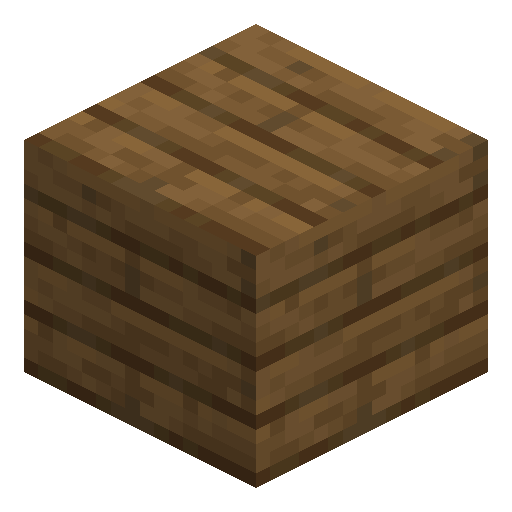 Spruce Planks
x1
Spruce Planks
x1


Frequently asked questions
How do you craft a Spruce Button in Minecraft?
A Spruce Button is crafted by placing one Spruce Planks in any slot of the 3x3 crafting grid, because the recipe is shapeless and yields one button per plank.
How long is the redstone pulse of a Spruce Button?
A Spruce Button emits a redstone signal of level 15 for 1.5 seconds (15 redstone ticks), which is half a second longer than the 1-second pulse of a Stone Button.
Is a Spruce Button renewable?
Yes, a Spruce Button is fully renewable, because Spruce Planks come from spruce logs and spruce trees can be farmed endlessly in taiga biomes.
Can a Spruce Button be used as fuel?
A Spruce Button works as a weak furnace fuel that smelts 0.5 items per button, so a full stack of 64 smelts 32 items in total.
Is a Spruce Button flammable?
A Spruce Button is NOT flammable and will not catch fire from lava or flame in Java Edition, although it does burn in contact with lava on Bedrock Edition.
What is the best tool to break a Spruce Button?
An axe breaks a Spruce Button fastest, but a Spruce Button drops as an item when broken by hand or with any tool, so no special tool is required to collect it.