


How to Make Polished Blackstone Button in Minecraft

Polished Blackstone Button
Polished Blackstone Button sends a redstone signal (a short power pulse for doors and traps) for exactly 1 second when pressed.
Description
Polished Blackstone Button attaches to the side, bottom, or top of any full opaque block; a player press or a wind charge hit activates Polished Blackstone Button, while mobs cannot press buttons directly. Java Edition received Polished Blackstone Button in version 1.16, Bedrock Edition in 1.16.0. The recipe stays renewable: piglins hand over 8–16 blackstone in 8.71% of barter trades. For blackstone-themed builds, Polished Blackstone Button shares the properties of a stone button and matches the dark look of Polished Blackstone.
Block properties
| Item ID |
minecraft:polished_blackstone_button
|
|---|---|
| /give command |
/give @p minecraft:polished_blackstone_button
|
| Stackable | Yes (64) |
| Best tool | Pickaxe |
| Renewable | Yes |
| Java Edition | 1.16 |
| Bedrock Edition | 1.16.0 |
Guide
How to craft and use Polished Blackstone Button in Minecraft
-
1
Craft the button
Place one Polished Blackstone block on the crafting grid and take one Polished Blackstone Button from the output slot.
-
2
Attach the button
Use Polished Blackstone Button on the side, bottom, or top of any full opaque block; on Bedrock Edition, fence tops also hold Polished Blackstone Button.
-
3
Press for a 1-second pulse
Use Polished Blackstone Button once: the power pulse lasts exactly 1 second and switches off automatically.
-
4
Wire the signal
Lay redstone dust, a repeater, or a comparator next to Polished Blackstone Button — the pulse travels at level 15 and strongly powers the attachment block too.
A wind charge hitting Polished Blackstone Button starts the same 1-second pulse as a player press.
How to craft this block
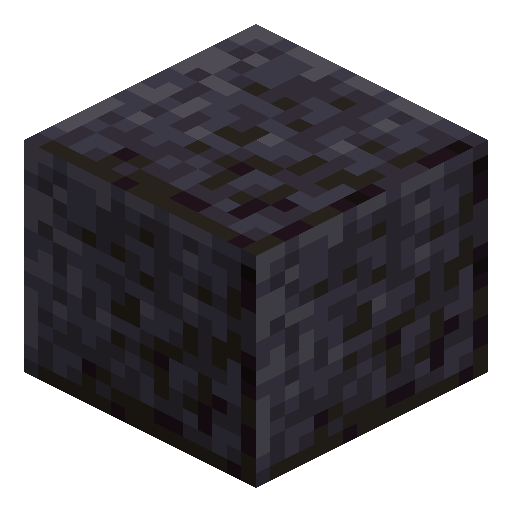 Polished Blackstone
x1
Polished Blackstone
x1







Frequently asked questions
Does Polished Blackstone Button need a pickaxe to drop?
No. Polished Blackstone Button drops itself when broken with any tool; a pickaxe only speeds up breaking.
What knocks Polished Blackstone Button off a wall?
Moving or destroying the attachment block drops Polished Blackstone Button as an item. Pistons pushing Polished Blackstone Button, and in Java Edition water flowing into the button space, remove Polished Blackstone Button the same way.
Can mobs press Polished Blackstone Button?
Mobs cannot activate buttons directly. Only a player using Polished Blackstone Button or a wind charge hitting Polished Blackstone Button starts the pulse.
Can Polished Blackstone Button sit inside water?
In Bedrock Edition, Polished Blackstone Button can be waterlogged. In Java Edition, water flowing into the button space removes Polished Blackstone Button.
How many Polished Blackstone Buttons stack in one slot?
Polished Blackstone Button stacks up to 64 in a single inventory slot.