


How to Make Dark Oak Button in Minecraft

Dark Oak Button
Dark Oak Button is a wooden redstone switch (a pulse source for pistons and lamps) that players, arrows and tridents can press.
Description
One Dark Oak Planks block in the crafting grid yields one Dark Oak Button, and a stack holds 64. Dark Oak Button attaches to the side, top or bottom of any full opaque block. Arrows and thrown tridents can press Dark Oak Button too, so a ranged trigger needs a wooden button instead of a stone button.
Block properties
| Item ID |
minecraft:dark_oak_button
|
|---|---|
| /give command |
/give @p minecraft:dark_oak_button
|
| Stackable | Yes (64) |
| Best tool | Axe |
| Renewable | Yes |
| Java Edition | 1.13 |
| Bedrock Edition | 1.4.0 |
Guide
How to use a Dark Oak Button in Minecraft
-
1
Craft the button
Place one Dark Oak Planks in the crafting grid to get one Dark Oak Button.
-
2
Attach it to a surface
Use Dark Oak Button on a full opaque block to fix the button to its side, top or bottom.
-
3
Connect redstone
Run redstone dust beside Dark Oak Button, or put a piston or Redstone Lamp next to it: an active Dark Oak Button powers the dust to level 15 and triggers the mechanism.
-
4
Press the button
Use Dark Oak Button by hand to start a 1.5-second pulse.
An arrow or trident that hits Dark Oak Button keeps the signal on until the projectile despawns after 1 minute or a player picks it up.
How to craft this block
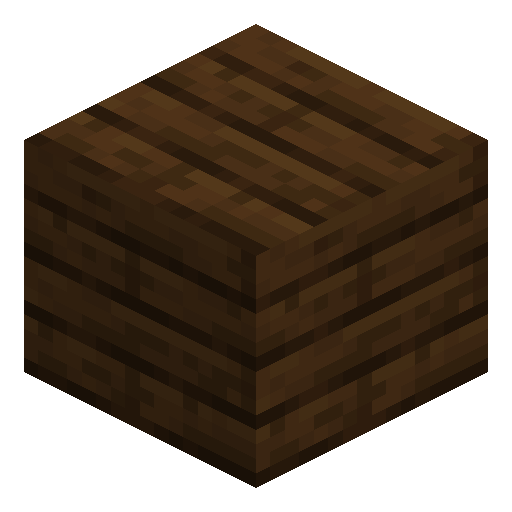 Dark Oak Planks
x1
Dark Oak Planks
x1


Frequently asked questions
Can mobs press a Dark Oak Button?
Mobs cannot press Dark Oak Button directly, but arrows fired by skeletons or dispensers can activate a wooden button.
When does a Dark Oak Button drop as an item?
Dark Oak Button drops as an item if its attachment block is moved, removed or destroyed, or if a piston tries to push the button. In Java Edition, flowing water or lava also removes Dark Oak Button.
Which tool breaks a Dark Oak Button fastest?
An axe breaks Dark Oak Button fastest, and any tool makes the button drop itself as an item.
Can a Dark Oak Button be used as furnace fuel?
Yes, Dark Oak Button burns in a furnace and smelts 0.5 items per button.
Can a Dark Oak Button attach to the top of a fence?
In Bedrock Edition, Dark Oak Button can also attach to the top of a fence.