


Coast Armor Trim Smithing Template
Coast Armor Trim Smithing Template is found in shipwreck chests and applies a flowing wave pattern to armor.
Description
Block properties
| Item ID |
minecraft:coast_armor_trim_smithing_template
|
|---|---|
| /give command |
/give @p minecraft:coast_armor_trim_smithing_template
|
| Stackable | Yes (64) |
| Renewable | No |
| Java Edition | 1.20 |
| Bedrock Edition | 1.20.0 |
Java & Bedrock Guide
How to use the Coast Armor Trim in Minecraft
-
1
Find a shipwreck
Search ocean and beach biomes for shipwrecks, then open the supply, map, and treasure chests in the lower decks to find the Coast Armor Trim Smithing Template.
-
2
Load the smithing table
Right-click a smithing table and place the Coast Armor Trim Smithing Template in the template slot.
-
3
Add armor and material
Put the armor piece in the second slot and a trim material such as copper, gold, or amethyst in the third slot to preview the coast pattern.
-
4
Apply the trim
Take the trimmed armor from the result slot; its defense, durability, and enchantments stay exactly the same.
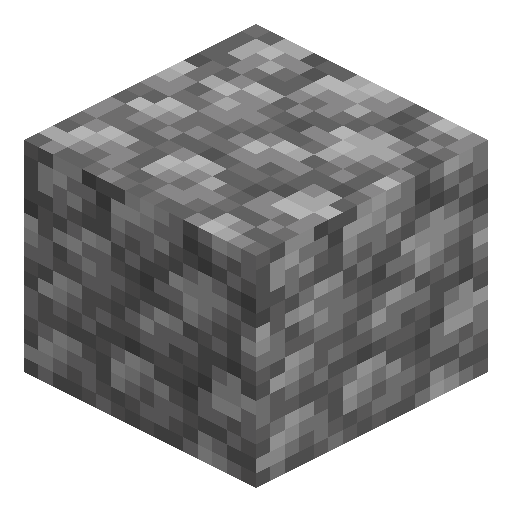
Combine the Coast Armor Trim Smithing Template with 7 diamonds and 1 cobblestone in a crafting grid to get two templates. Applying a trim consumes one template, so trimming a full set of four armor pieces takes three duplications (21 diamonds in total).
How to craft this block








Frequently asked questions
Where do you find the Coast Armor Trim Smithing Template?
The Coast Armor Trim Smithing Template generates only in shipwreck chests, found in ocean and beach biomes. Supply, map, and treasure chests can all contain it.
Does the Coast Armor Trim change armor stats?
No. The Coast Armor Trim only changes the armor's appearance; defense, toughness, durability, and enchantments are unaffected.
How do you duplicate the Coast Armor Trim Smithing Template?
Place the Coast Armor Trim Smithing Template, 7 diamonds, and 1 cobblestone in a crafting grid to produce two copies of the template.
What version added the Coast Armor Trim?
The Coast Armor Trim arrived with the Minecraft 1.20 Trails & Tales update for both Java and Bedrock Edition.
Minecraft and all related materials are trademarks and copyrights of Mojang Studios © 2009–2026. This site is not an official Minecraft product and is not affiliated with or endorsed by Mojang Studios or Microsoft Corporation.