


How to Make Cherry Button in Minecraft

Cherry Button
Cherry Button is a wooden switch that sends a redstone pulse (a short on-off signal) lasting 1.5 seconds after every press.
Description
Cherry Button can be attached to the side, top, or bottom of any full opaque block. While pressed, Cherry Button powers adjacent redstone dust to power level 15, strongly powers the block the button is attached to, and activates mechanism components such as pistons and redstone lamps next to the button. Players, arrows, tridents, and wind charges can all press Cherry Button, which makes ranged triggers possible. Cherry Button also has its own cherry-wood click sound, distinct from the click of the standard wooden button.
Block properties
| Item ID |
minecraft:cherry_button
|
|---|---|
| /give command |
/give @p minecraft:cherry_button
|
| Stackable | Yes (64) |
| Best tool | Axe |
| Renewable | Yes |
| Java Edition | 1.20 |
| Bedrock Edition | 1.20.0 |
Guide
How to use Cherry Button in Minecraft
-
1
Craft Cherry Button
One Cherry Planks block in the crafting grid of a Crafting Table produces one Cherry Button.
-
2
Attach Cherry Button
Cherry Button attaches to the side, top, or bottom of any full opaque block when the player uses the button on that surface.
-
3
Connect the signal
Redstone dust laid next to Cherry Button carries the signal onward, and a Piston or Redstone Lamp beside Cherry Button switches on directly.
-
4
Press and wait
The player uses Cherry Button to send a pulse, and the signal switches off by itself after 1.5 seconds.
In Java Edition, water or lava flowing into the space of Cherry Button breaks the button and drops Cherry Button as an item.
How to craft this block
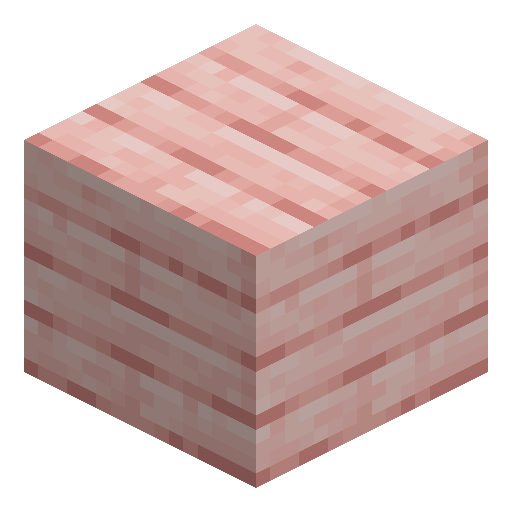 Cherry Planks
x1
Cherry Planks
x1






Frequently asked questions
Can arrows press Cherry Button?
Yes. An arrow or thrown trident that touches Cherry Button presses the button and holds the signal until the projectile despawns after 1 minute or a player picks the projectile up. A wind charge also presses Cherry Button.
How long does Cherry Button stay on compared with a Stone Button?
Cherry Button stays on for 30 ticks (1.5 seconds), while a Stone Button stays on for 20 ticks (1 second).
Can Cherry Button be used as furnace fuel?
Yes. Cherry Button smelts 0.5 items per button in a Furnace, whereas Crimson Button and Warped Button cannot be used as fuel.
Does Cherry Button generate in structures?
No. Among wooden buttons, only Oak Button and Jungle Button generate naturally, so Cherry Button must be crafted from Cherry Planks.
Which version added Cherry Button?
Cherry Button became available in Java Edition 1.20 and Bedrock Edition 1.20.0; earlier, only experimental settings gave access (Java 1.19.4, Bedrock 1.19.80).