


How to Make Birch Button in Minecraft

Birch Button
Birch Button is a wooden redstone switch that emits a 1.5-second pulse when pressed, crafted from a single Birch Planks block for hidden doors and traps.
Description
Players press Birch Button to trigger doors, pistons, dispensers, and TNT traps. A fired arrow, a thrown trident, or a wind charge also activates Birch Button, which makes the switch useful for ranged-activation traps and target ranges. Birch Button is fully renewable, because a single birch sapling grows into a tree that drops birch logs, each log crafting four planks, and each plank crafting one button. Builders pair Birch Button with birch doors, fences, and planks when a birch-themed build needs a hidden entrance in pale trim. A single inventory slot stacks 64 buttons, enough for a large redstone project.
Block properties
| Item ID |
minecraft:birch_button
|
|---|---|
| /give command |
/give @p minecraft:birch_button
|
| Stackable | Yes (64) |
| Best tool | Axe |
| Renewable | Yes |
| Hardness | 0.5 |
| Blast resistance | 0.5 |
| Java Edition | 1.13 |
| Bedrock Edition | 1.4.0 |
Java Edition Guide
How to craft and use a Birch Button in Minecraft
-
1
Craft the button from a plank
Place one Birch Planks block in any cell of the 3×3 crafting grid to produce one Birch Button.
-
2
Place the button on a block
Right-click any solid surface — wall, floor, or ceiling — so the Birch Button sits flat against it.
-
3
Press the button
Right-click the Birch Button to emit a redstone pulse lasting 1.5 seconds.
-
4
Activate it from a distance
A fired arrow, a thrown trident, or a wind charge also presses the Birch Button — handy for target ranges.
Birch Button emits a 1.5-second pulse (15 redstone ticks), while a Stone Button emits only 1 second (10 redstone ticks).
How to craft this block
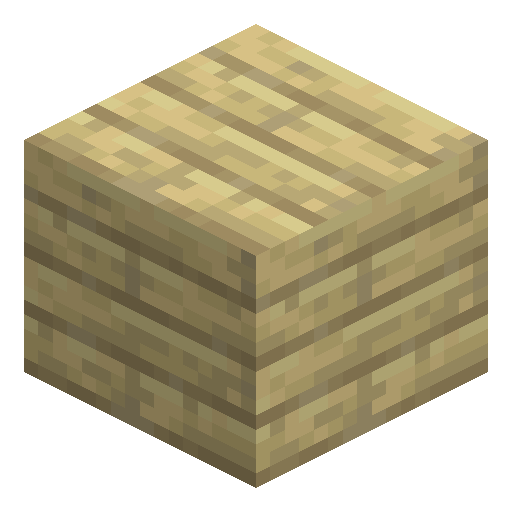 Birch Planks
x1
Birch Planks
x1


Frequently asked questions
How do you craft a Birch Button?
Place one Birch Planks block in any cell of the 3×3 crafting grid to produce one Birch Button.
How long is the Birch Button redstone signal?
Birch Button emits a redstone pulse of 1.5 seconds (15 redstone ticks, 30 game ticks) — identical for every wooden button variant in Minecraft.
Is Birch Button renewable?
Yes. Birch logs are renewable, and each Birch Planks block crafts into one Birch Button, so buttons are infinitely farmable.
Can a Birch Button be activated by an arrow?
Yes. A fired arrow, a thrown trident, or a wind charge presses the Birch Button and triggers the pulse.
What is the difference between a Birch Button and a Stone Button?
A wooden Birch Button gives a 1.5-second pulse and activates from projectiles, while a Stone Button gives 1 second and ignores projectiles.