


How to Make Spruce Shelf in Minecraft
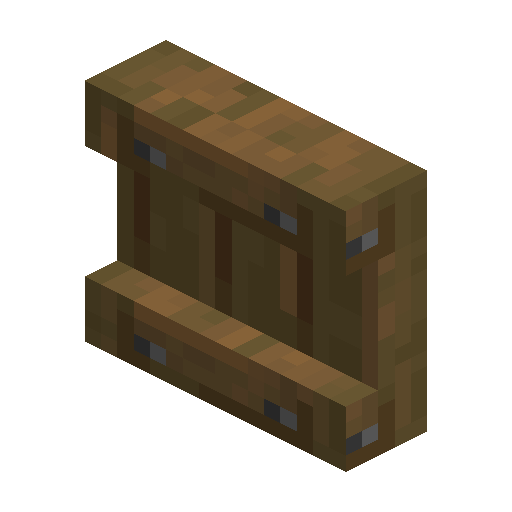
Spruce Shelf
Spruce Shelf is a wooden display block that holds up to three item stacks and swaps each slot with the held item on use.
Description
Redstone power turns Spruce Shelf into a hotbar exchanger: using one powered shelf swaps all three stored stacks with the three rightmost hotbar slots, and up to three connected powered shelves swap the full nine-slot hotbar at once — using any shelf in the group has the same effect. One Spruce Shelf also smelts 1.5 items as furnace fuel, and hoppers or droppers refill the slots automatically. For gear walls, market stalls, and storage rooms, Spruce Shelf keeps swapped tools and supplies visible on the wall instead of buried in a chest.
Block properties
| Item ID |
minecraft:spruce_shelf
|
|---|---|
| /give command |
/give @p minecraft:spruce_shelf
|
| Stackable | Yes (64) |
| Best tool | Axe |
| Renewable | Yes |
| Hardness | 2 |
| Blast resistance | 3 |
| Java Edition | 1.21.9 |
| Bedrock Edition | 1.21.111 |
Guide
How to craft and use Spruce Shelf in Minecraft
-
1
Craft six shelves from stripped logs
Place six stripped spruce logs in the top and bottom rows of a crafting grid to craft six Spruce Shelves at once.
-
2
Place the shelf and load the first items
Place Spruce Shelf with the three slots reachable, then click a slot with an item in the main hand to store it; clicking a filled slot swaps the stored stack with the held item.
-
3
Power the shelf for hotbar swaps
Run a redstone signal into Spruce Shelf and click the powered shelf: all three stored stacks swap with the three rightmost hotbar slots.
-
4
Connect two or three powered shelves
Place two or three powered shelves next to each other to link the slots, then click any connected shelf to swap six or nine hotbar slots at once.
-
5
Automate filling with hoppers
Point a hopper or a dropper at Spruce Shelf so items move into the empty slots on their own.
One Spruce Shelf smelts 1.5 items in a furnace, and as a flammable block Spruce Shelf can catch fire from nearby lava, so keep Spruce Shelf away from lava.
How to craft this block
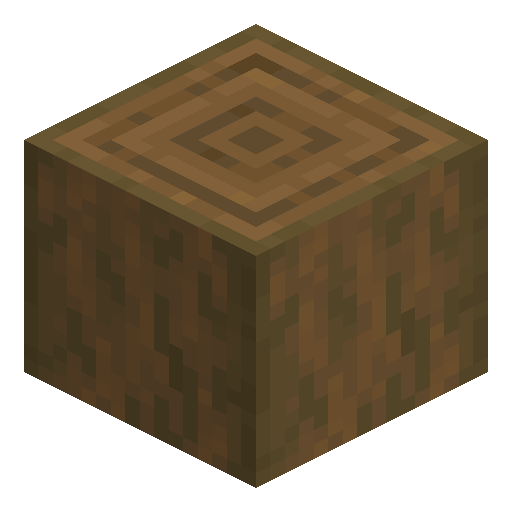 Stripped Spruce Log
x6
Stripped Spruce Log
x6


Frequently asked questions
Can a Spruce Shelf hold non-stackable items?
Each slot of Spruce Shelf stores either a full stack of a stackable item or exactly one non-stackable item. The number of items in a stack is not displayed on the block.
What signal does a Spruce Shelf give to a comparator?
A redstone comparator behind Spruce Shelf reads 1 from the left slot, 2 from the middle slot, and 4 from the right slot, up to 7 when every slot holds an item. The comparator works only when the back of Spruce Shelf faces it.
How do hoppers work with a Spruce Shelf?
Hoppers and droppers push items into Spruce Shelf from left to right, and a hopper placed underneath pulls items out of the slots. Stackable items fill one slot completely before the next slot is used.
Can pistons move a Spruce Shelf?
In Java Edition, shelves cannot be moved by pistons, so place Spruce Shelf in its final spot before wiring the wall.
Which Minecraft version added the Spruce Shelf?
Shelves, including Spruce Shelf, were added to Java Edition in 1.21.9 and to Bedrock Edition in 1.21.111.