


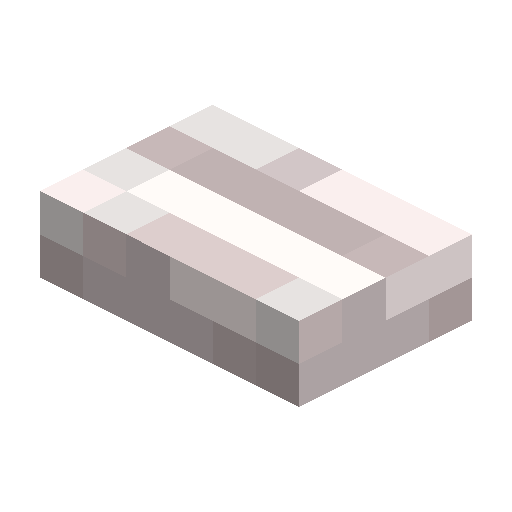
Pale Oak Button
Pale oak wooden button that sends a redstone pulse for 1.5 seconds; arrows can trigger it too.
Description
Block properties
| Item ID |
minecraft:pale_oak_button
|
|---|---|
| /give command |
/give @p minecraft:pale_oak_button
|
| Stackable | Yes (64) |
| Best tool | Axe |
| Renewable | Yes |
| Hardness | 0.5 |
| Blast resistance | 0.5 |
| Java Edition | 1.21.4 |
| Bedrock Edition | 1.21.50 |
Java & Bedrock Guide
How to craft and use a Pale Oak Button in Minecraft
-
1
Get a pale oak plank
Chop a pale oak tree in the Pale Garden and turn a log into pale oak planks.
-
2
Craft the button
Place a single pale oak plank in any slot of the crafting grid to make one pale oak button.
-
3
Place it
Attach the button to a floor, wall, or ceiling next to the redstone device you want to control.
-
4
Press to activate
Use the button to send a redstone pulse; it stays on for 1.5 seconds, then turns off by itself.
-
5
Shoot it instead
Fire an arrow or other projectile at the button to trigger it from a distance.
Unlike stone buttons, wooden buttons like the pale oak button can be activated by arrows, making them handy for remote triggers.
How to craft this block
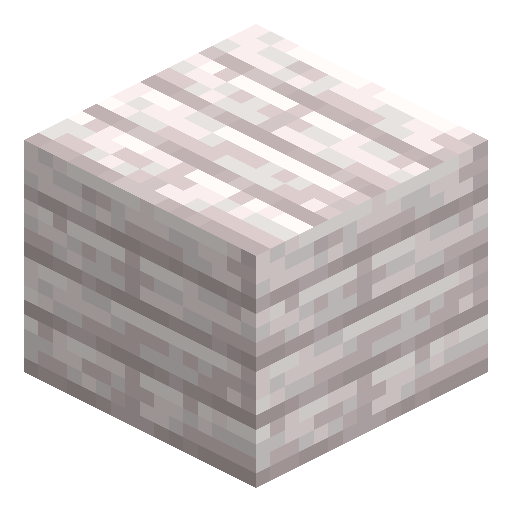 Pale Oak Planks
x1
Pale Oak Planks
x1








Frequently asked questions
How do you craft a Pale Oak Button?
Place a single pale oak plank anywhere in the crafting grid to craft one pale oak button.
How long does the button stay active?
Being a wooden button, it sends a redstone pulse and stays active for 1.5 seconds, which is 30 game ticks.
Can an arrow trigger a Pale Oak Button?
Yes. Wooden buttons can be activated by an arrow or other projectile, so you can fire at it to trigger it remotely.
Where can you place the button?
You can attach it to floors, walls, and ceilings next to doors, lamps, pistons, or dispensers.
Is the Pale Oak Button in Bedrock Edition?
Yes. It was added alongside the Pale Garden in both Java 1.21.4 and Bedrock Edition.
Minecraft and all related materials are trademarks and copyrights of Mojang Studios © 2009–2026. This site is not an official Minecraft product and is not affiliated with or endorsed by Mojang Studios or Microsoft Corporation.