


Oak Button
Oak Button is a wooden redstone button crafted from 1 oak plank that sends a 15-tick signal when pressed or hit by an arrow, unlike Stone Button which arrows cannot activate.
Description
Block properties
| Item ID |
minecraft:oak_button
|
|---|---|
| /give command |
/give @p minecraft:oak_button
|
| Stackable | Yes (64) |
| Best tool | Axe |
| Renewable | Yes |
| Hardness | 0.5 |
| Blast resistance | 0.5 |
| Java Edition | 1.4.2 |
Guide
How to use an Oak Button in Minecraft
-
1
Craft an Oak Button
Place 1 oak plank anywhere in a crafting grid to craft 1 Oak Button. Oak Button requires no crafting table — a 1×1 personal grid is sufficient.
-
2
Place the Oak Button
Right-click any solid block face to attach Oak Button to the side, top, or bottom of the block. Oak Button can be placed on floors, walls, and ceilings.
-
3
Activate Oak Button with a press
Right-click Oak Button to send a 15-tick (~1.5 second) redstone pulse to adjacent redstone components. Oak Button automatically resets after 15 ticks.
-
4
Activate Oak Button with an arrow
Shoot an arrow at Oak Button to activate it without touching Oak Button directly — a wooden button stays pressed until the arrow despawns or is picked up. This arrow-activation mechanic is unique to wooden buttons and does not work on Stone Button.
-
5
Wire Oak Button to doors or circuits
Connect Oak Button to a door, piston, or redstone wire to build an entry system or trap. Because Oak Button fires a short 15-tick pulse, Oak Button suits single-activation designs rather than continuous power sources.
Use Oak Button with a dispenser loaded with arrows to create a self-resetting arrow trap — the dispenser fires, the arrow hits Oak Button, and Oak Button retriggers the dispenser.
How to craft this block
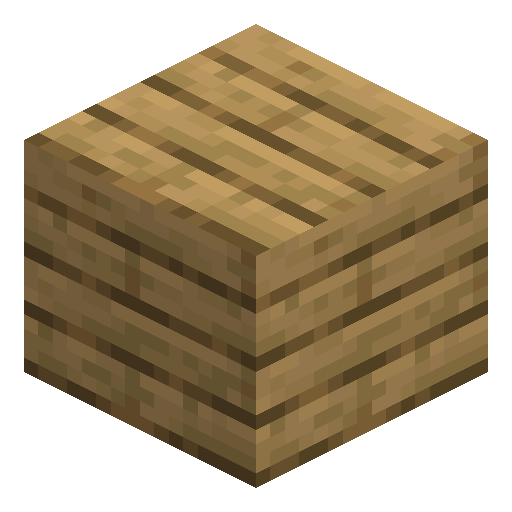 Oak Planks
x1
Oak Planks
x1

Used in crafts







Frequently asked questions
Can Oak Button be activated by arrows?
Yes. Oak Button can be activated by arrows in both Java Edition and Bedrock Edition. This is a key difference between Oak Button and Stone Button — Stone Button cannot be triggered by arrows.
How long does Oak Button stay active?
Oak Button stays active for 15 ticks when pressed, which equals approximately 1.5 seconds at normal game speed. When triggered by an arrow, Oak Button stays pressed until the arrow despawns or is picked up.
How do you craft Oak Button?
Craft Oak Button by placing 1 oak plank in any slot of a crafting grid, including the 2×2 personal grid. One oak plank produces exactly 1 Oak Button.
Does Oak Button need Silk Touch to be collected?
No. Oak Button drops itself when broken by any tool or by hand without requiring Silk Touch. Oak Button can be collected instantly without any tool.
What is the blast resistance of Oak Button?
Oak Button has a blast resistance of 0.5, which is very low. TNT easily destroys Oak Button, so Oak Button is not suitable for explosion-resistant builds.
Minecraft and all related materials are trademarks and copyrights of Mojang Studios © 2009–2026. This site is not an official Minecraft product and is not affiliated with or endorsed by Mojang Studios or Microsoft Corporation.